
WebP to PNG Converter
Need an editable, transparent version of a WebP? Convert it to PNG for lossless quality and a full alpha channel that every design tool understands.
Click or drag your WebP file here
Up to 15 MB
Converting your WebP to PNG…
Why Convert WebP to PNG?
Lossless Quality
Edit and re-save freely without adding compression artifacts.
Transparency Kept
Your WebP's alpha channel transfers to PNG perfectly intact.
Design-Tool Ready
PNG imports cleanly into every editor and design suite.
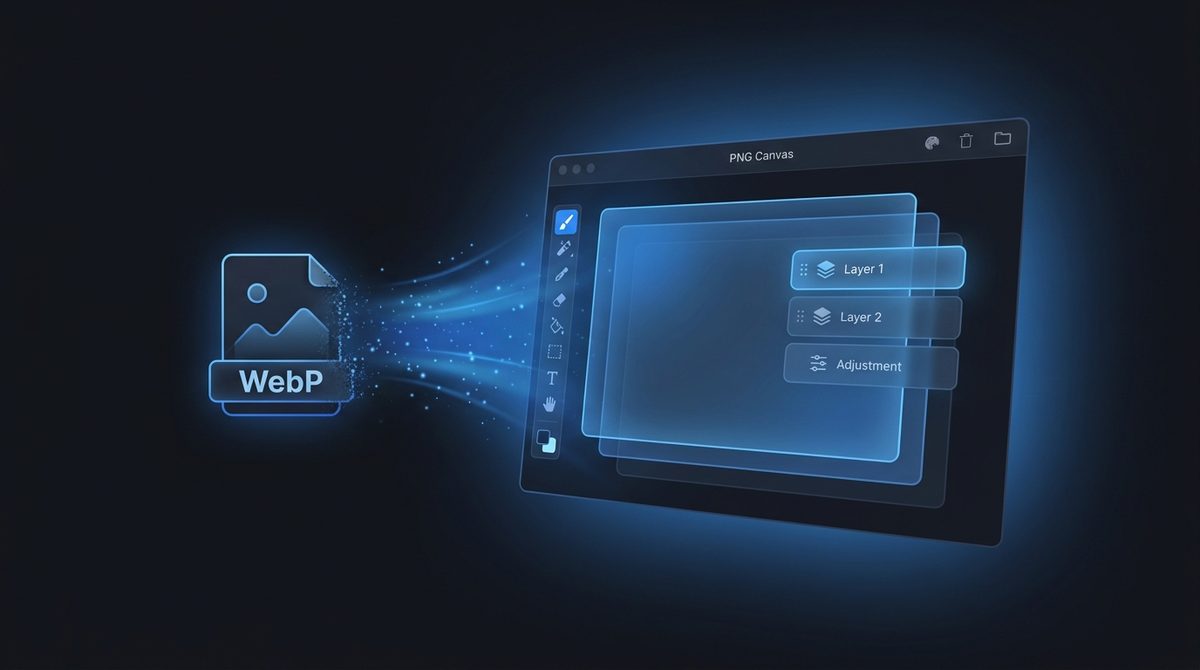
A Lossless, Edit-Ready File
WebP is built for delivery, not for heavy editing. When you want to retouch, layer or composite an image, PNG is the friendlier home: it's lossless, so you can open and re-save it repeatedly without accumulating compression artifacts. Converting WebP to PNG gives you a stable working file that design and photo software treats as a first-class citizen, ready for whatever edits you have in mind.
Keep Full Transparency Intact
Both WebP and PNG support transparency, so converting between them preserves your alpha channel perfectly - No white box appears behind your subject. That makes PNG the right target when you've got a transparent WebP graphic that you need to drop into a layout, a presentation, or an editor that doesn't read WebP cleanly. Your cut-out stays a cut-out, just in a format with the widest design-tool support.
Maximum Software Compatibility For Designers
Some design suites, document tools and older creative software still handle WebP awkwardly or not at all, while PNG has been a universal standard for decades. If a program is refusing your WebP or importing it with glitches, converting to PNG almost always clears the problem up. For designers who need a transparent, lossless asset that simply works in every tool on their machine, PNG remains the dependable choice.
WebP vs PNG at a Glance
Here is how WebP and PNG compare side by side so you know exactly what changes when you convert.
| Property | WebP | PNG |
|---|---|---|
| Compression | Lossy or lossless (you choose) | Lossless only (DEFLATE) |
| Transparency / alpha | Yes - full 8-bit alpha | Yes - full 8-bit alpha |
| Animation | Yes - animated WebP supported | No - single static frame only |
| Typical file size | Smaller - optimized for the web | Larger - lossless but less efficiently compressed |
| Best for | Fast-loading web images, banners, hero graphics | Editing, layering, design assets, screenshots, logos |
| Software / browser support | All modern browsers; uneven in older design tools | Universal - every browser, editor and OS since the 1990s |
Need the other direction? PNG to WebP converter →
How to Convert WebP to PNG
Upload your WebP
Drop in any .webp file, including transparent ones - Up to 15 MB.
PNG is pre-selected
Output is set to PNG and transparency is preserved automatically.
Download your PNG
Get a lossless, editable, transparent file instantly - free, with a small Face-swapper.org mark.
Working with images? You might also like our Background Remover and PNG to JPG tools. New to image formats? Our AI image editing glossary explains lossy vs lossless, DPI and more.