
JPG to PDF Converter
Wrap your photos and scans in a tidy, universal PDF. PDF is the format people expect for documents - Easy to share, easy to print, and it looks the same on every device.
Click or drag your JPG file here
Up to 15 MB
Converting your JPG to PDF…
Why Convert JPG to PDF?
Document-Ready
PDF is the universal format for sharing and submitting files.
Print-Perfect
A fixed page layout means your image prints exactly as intended.
Looks The Same Everywhere
A PDF renders identically on any device or operating system.
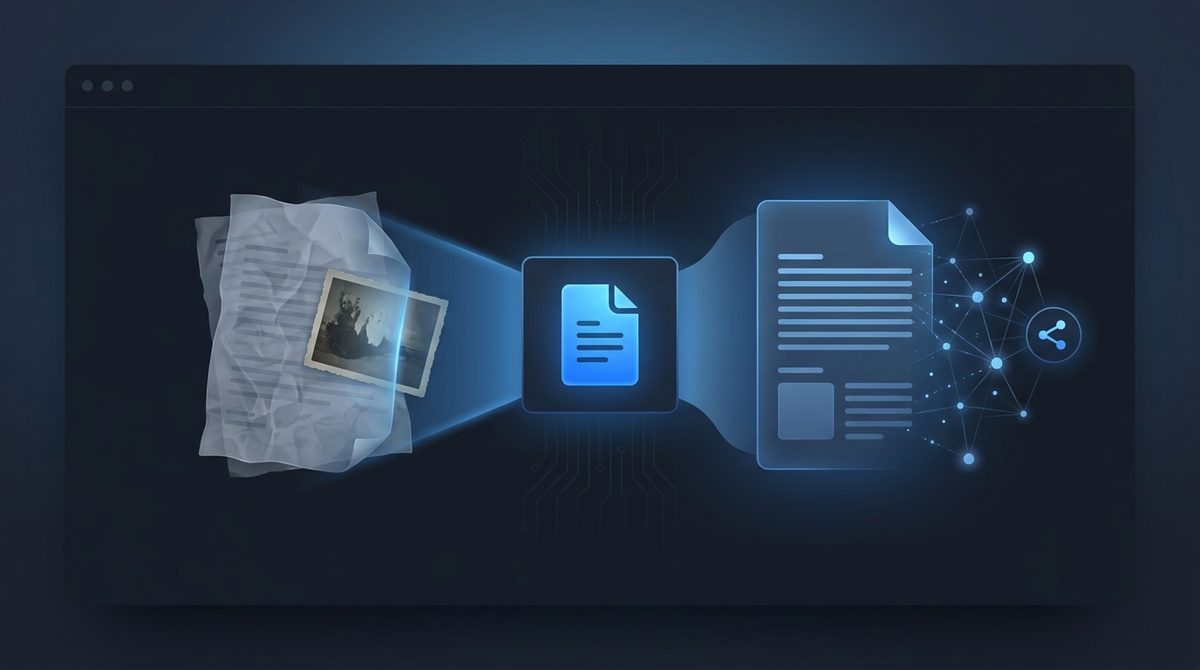
Turn Photos Into Shareable Documents
A JPG is a picture; a PDF is a document. When you're sending a scanned receipt, an ID photo, signed paperwork or a portfolio image to someone, a PDF is what they expect to receive. It opens the same way on any phone, laptop or office computer without special software, and it can't be accidentally edited the way a loose image can. Converting JPG to PDF instantly makes your image feel official and ready to send.
Print Exactly How You Intend
Images sent as raw JPG files often print at the wrong size or get awkwardly cropped by printer software. A PDF locks the page layout, so what you see is exactly what comes out of the printer. That makes PDF the right choice for anything destined for paper - Flyers, photo prints, application forms, or documents you need a clean physical copy of. Your image sits on a defined page, ready to print at full quality.
Archive And Organize With Confidence
PDF is the long-term home for documents. It's the format archives, schools and businesses standardize on because it stays readable for years and bundles everything into one self-contained file. Converting JPG scans to PDF means your records won't be a scattered pile of image files - They'll be neat documents you can name, store and search later. It's the simplest way to keep important paperwork organized.
JPG vs PDF at a Glance
JPG is a single-image raster format, while PDF is a page-based document container that wraps your image in a fixed layout.
| Property | JPG | |
|---|---|---|
| Compression | Lossy (DCT) | Container - embeds the original JPEG stream as-is (DCTDecode), so no quality is lost in the wrap |
| Transparency / alpha | No (no alpha channel) | No - the page renders on a solid, opaque background |
| Animation | No (single frame) | No - pages are static, but a PDF can hold many pages |
| Typical file size | Compact for photos | Slightly larger - same image data plus PDF page and document structure |
| Best for | Web photos, social media, camera images | Scans, forms, receipts, printing, archiving and sharing |
| Software / browser support | Universal - every image viewer and browser | Universal - opens in every browser and PDF reader on any device |
Need the other direction? PDF to JPG converter →
How to Convert JPG to PDF
Upload your JPG
Add the photo or scan you want to turn into a document - Up to 15 MB.
PDF is pre-selected
Output is set to PDF. Your image will be placed onto a clean page.
Download your PDF
Save a tidy, shareable, print-ready PDF instantly - No signup needed.
Working with images? You might also like our PNG to PDF and all converters tools. New to image formats? Our AI image editing glossary explains lossy vs lossless, DPI and more.