
PNG to PDF Converter
Turn screenshots, designs and graphics into polished PDF documents. PDF is what people expect to open, share and print - And it keeps your layout locked in place.
Click or drag your PNG file here
Up to 15 MB
Converting your PNG to PDF…
Why Convert PNG to PDF?
Polished Documents
Turn casual screenshots and exports into proper, shareable files.
Crisp Edges Preserved
PDF keeps PNG's sharp lines and readable text intact.
Print & Share Ready
A locked page layout prints and displays identically everywhere.

Send Screenshots And Designs As Documents
PNG is the format screenshots and design exports usually land in - But those loose image files feel informal when you're sending them to a client, teacher or colleague. Converting to PDF turns them into proper documents that open with a tap on any device and look deliberate rather than dashed-off. Whether it's a UI mockup, a chart, a certificate or a captured conversation, a PDF makes it ready to present.
Keep Crisp Edges And Flatten Transparency
PNG's strength is sharp lines and transparency, and a PDF preserves that crispness beautifully - Text in screenshots stays readable and graphic edges stay clean. Because a PDF page is opaque, any transparent areas in your PNG are placed onto a solid page background during conversion. That's ideal for documents: your design sits neatly on a clean page, ready to read or print, with no distracting checkerboard.
One Format For Every Recipient
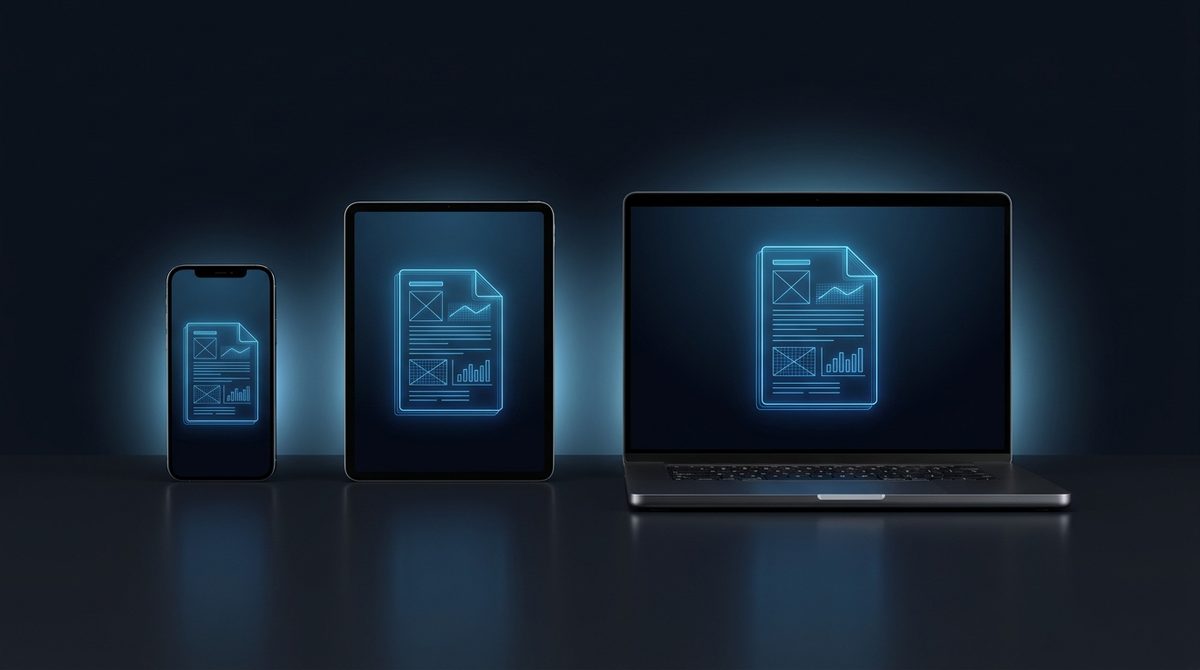
Not everyone can open a design file, and image attachments can render unpredictably across email clients and phones. PDF sidesteps all of that - It's the one format that looks identical for every recipient, no matter their device or software. Converting your PNG to PDF means you can share a graphic with anyone and trust that they'll see it exactly as you intended, with nothing rearranged or resized.
PNG vs PDF at a Glance
PNG is a lossless raster image format, while PDF is a page-based document container that wraps your image in a fixed, printable layout.
| Property | PNG | |
|---|---|---|
| Compression | Lossless (DEFLATE) | Container - embeds the image, commonly as a lossless Flate or a lossy DCT (JPEG) stream |
| Transparency / alpha | Yes - full 8-bit alpha channel | Supported (PDF 1.4+), but most converters flatten the PNG onto a solid white page background |
| Animation | No - single frame (APNG is a separate extension) | No - PDF is static, though it can hold multiple pages |
| Typical file size | Larger - lossless pixels | Similar or slightly larger - adds page and document structure around the embedded image |
| Best for | Screenshots, logos, UI graphics, sharp-edged images | Sharing, printing and archiving graphics as polished, layout-locked documents |
| Software / browser support | Universal in image viewers, editors and browsers | Universal - opens consistently in every PDF reader, browser and device |
Need the other direction? PDF to PNG converter →
How to Convert PNG to PDF
Upload your PNG
Add a screenshot, graphic or design export - Up to 15 MB per file.
PDF is pre-selected
Output is set to PDF. Transparent areas are placed on a clean page background.
Download your PDF
Save a polished, shareable document in seconds - Free, no signup.
Working with images? You might also like our JPG to PDF and converter hub tools. New to image formats? Our AI image editing glossary explains lossy vs lossless, DPI and more.