
AI Baby Generator
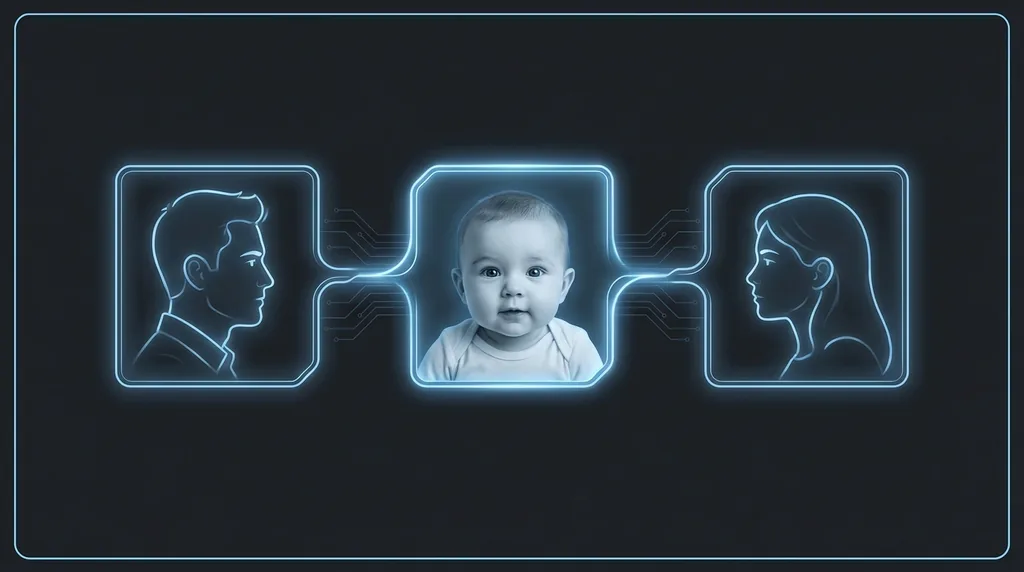
What would your baby look like? Upload two faces and see a realistic blended baby.
Click or drag here
A clear, front-facing portrait
Click or drag here
A clear, front-facing portrait
Uses 10 credits - earn more free
Working on your image…
Why use Baby Generator?
Blends two faces
Combines features from both photos into one believable baby.
Realistic output
A natural infant portrait, not a cartoon mashup.
Instant fun
Two uploads and one tap to a result worth sharing.
A favourite for couples and friends: upload two faces and the AI Baby Generator imagines a realistic baby that blends both people's features - Eyes, nose, skin tone and hair. It's a lighthearted, shareable bit of fun (and a popular party trick).
How it works
Upload Parent 1
Add a clear, front-facing portrait of the first person.
Upload Parent 2
Add a clear, front-facing portrait of the second person.
Generate the baby
See and download the blended baby portrait.
Popular ways to use Baby Generator
Couples use the Baby Generator to imagine a future child, friends use it as a party game, and content creators use it for engagement posts. It is meant for lighthearted fun, not a real prediction.
Pairs well with our AI Face Swap and Age Filter.
New to this? Read our best photos to use.
See what others are creating →Picking two photos that blend well
Fun ways to use your baby result
Best photos to use
- Two adult faces, not a child plus an adult, so the model has two mature feature sets to average rather than one already-baby-like face skewing the result
- Eyebrows, lash line, eye color and natural hair color clearly visible in both, since these are the few traits the blend actually carries down onto the infant
- Matching skin-tone exposure between the two photos: if one face is lit warm and the other cool, the baby's complexion locks to whichever upload is brighter instead of landing between the two
- Relaxed, mouth-closed expressions rather than wide grins, because an adult smile stretched onto a baby's much smaller face reads as an unsettling rictus
- No heavy beards, full-frame glasses or face paint, which the model can mistake for an inherited feature and try to render on the baby
What to keep in mind
- Only the broad face shape, coloring and hair transfer reliably; small inherited signatures like a parent's dimple, freckle pattern, gap teeth or a distinctive nose bridge are smoothed away rather than passed down
- Two faces of very different ethnicities tend to blend toward a single averaged complexion rather than a believable mixed-heritage skin tone, which can look generic
- The infant arrives with a default amount of hair regardless of either parent's hairline, so a bald parent or a thick-haired parent has little effect on how much hair the baby is shown with
What you get
One imagined newborn-to-toddler portrait whose eye shape, nose, complexion and hair are averaged from the two uploaded adults. It is a brand-new face the model invents, not your parent photos retouched into a younger version.
Real ways to use Baby Generator
The Baby Generator invents a new face from two people; if instead you want to see one specific person rendered younger, use the Age Filter on a single portrait to wind that real face back to childhood. To merge two adults into a believable shared face at full age rather than as an infant, the Group Face Swap blends features without de-aging them.