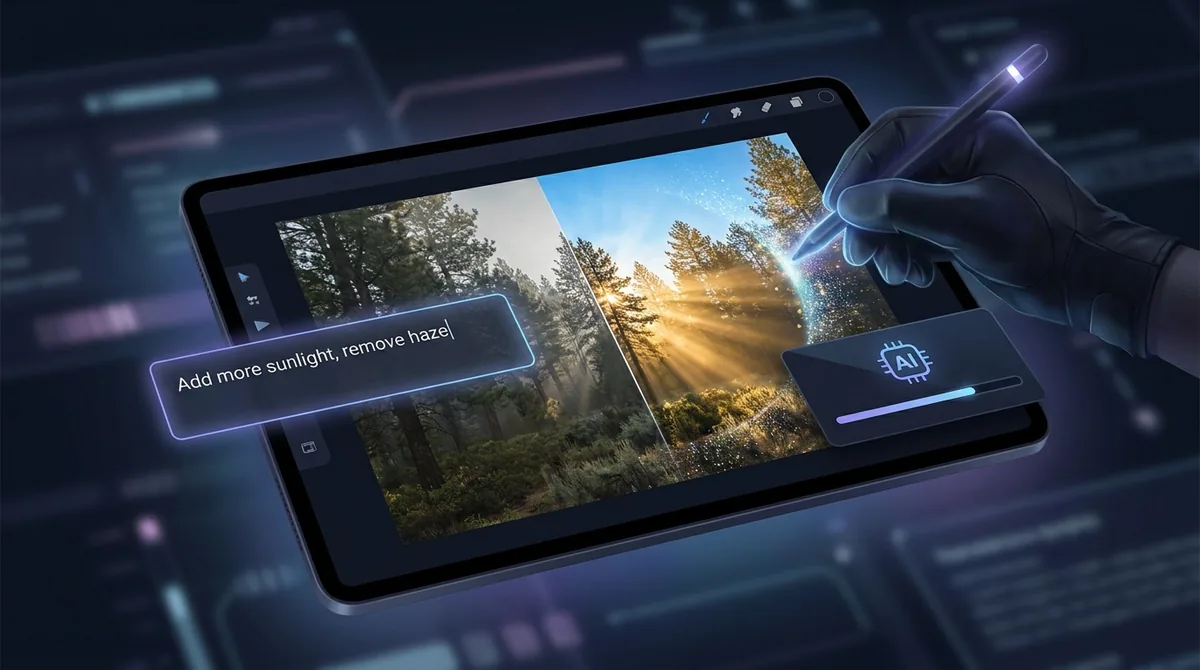
Free AI Photo Editor
Upload a photo, describe your edit, and let AI do the work — then crop, compare and download in the resolution you need.
Drop an image here or click to upload
JPG, PNG, WebP
Editing your photo…
How the AI Photo Editor Works
Upload a photo
Drop in any JPG, PNG or WebP image you want to edit. A clear, well-lit photo gives the AI the most to work with.
Describe your edit
Type what you want changed in plain words — add an object, swap the background, or shift the lighting and weather.
Download the result
The AI applies your edit in seconds. Preview the result and download it in full quality — no signup required.
Edit Photos With Plain Words
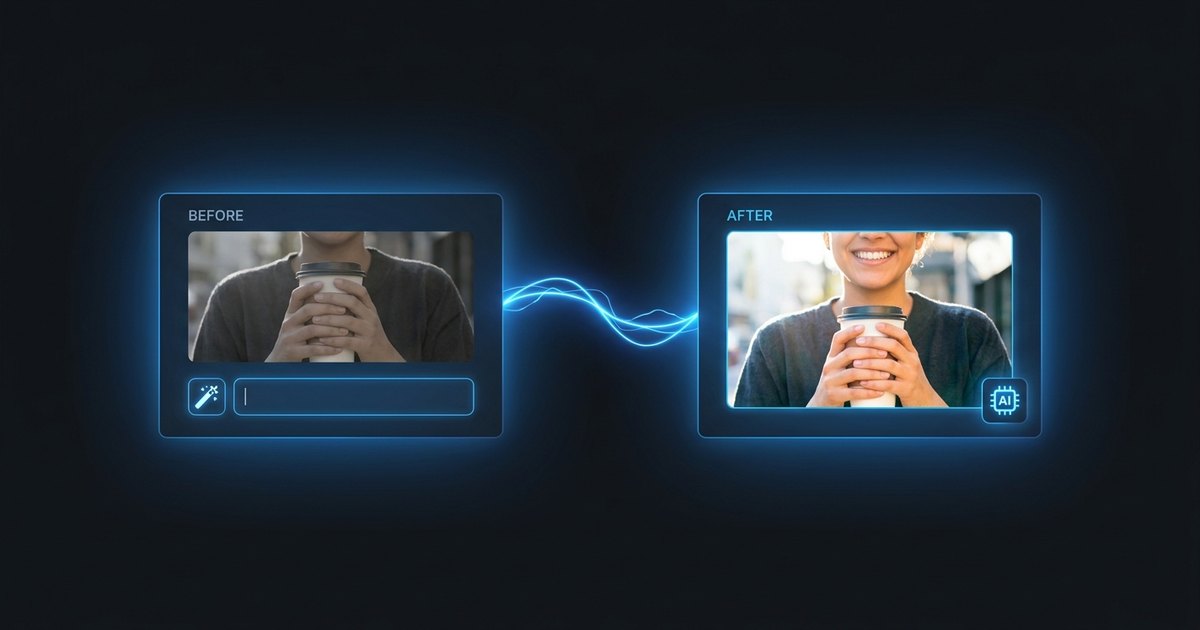
Forget layers, masks and complicated menus. Just describe the change you want in everyday language — “remove the person in the background,” “make it golden hour,” “add a hat” — and the AI understands your intent and edits the photo for you. It is the fastest way to get a precise result without ever opening a traditional editor.
Change Anything in the Scene
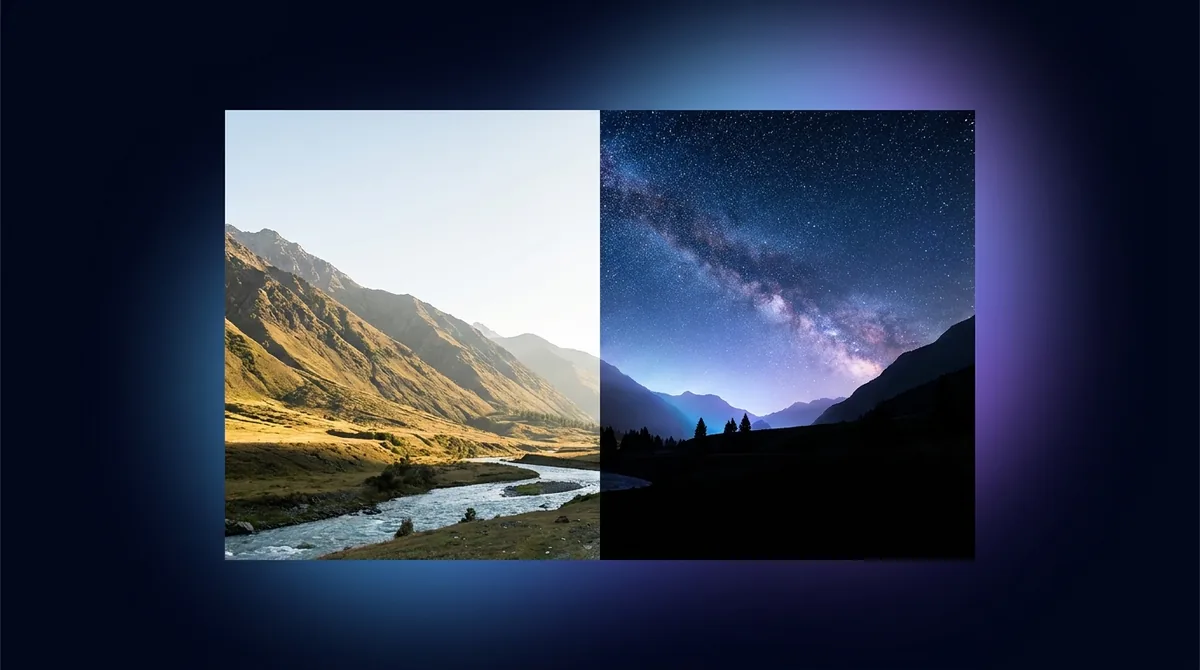
Swap a dull sky for a dramatic sunset, drop your subject onto a beach, add or remove objects, or shift the lighting and weather entirely. The AI re-renders only what you ask for while keeping the rest of the photo natural and consistent. Need a clean transparent cutout instead? Try our Background Remover.
Private and Free to Use
The AI Photo Editor is completely free with no signup and no card. Edited images carry a small Face-swapper.org mark, removable via referrals. Your uploads are processed securely and removed automatically — we never build a public gallery of your images. Only edit photos you own or have permission to use, and review our safety standards before sharing.