
ID & Passport Photo Maker
Turn a selfie into a compliant ID or passport photo - Plain background, correct framing.
Click or drag a photo here
JPG, PNG or WebP - up to 15 MB
Uses 10 credits - earn more free
Working on your image…
Why use ID Photo Maker?
Correct framing
Head centered and sized with a plain, regulation-style background.
From any selfie
No booth needed - A clear phone photo is enough.
Print or upload
Get a clean photo ready for forms and applications.
Skip the photo booth. The ID Photo Maker turns a normal selfie into a compliant ID or passport-style photo - Plain white background, front-facing, neutral expression and even lighting - Ready to print or upload. It reuses the same clean cut-out technology as our Background Remover.
How it works
Upload a selfie
Face the camera with a neutral expression in even light.
Generate
The tool sets a white background and correct framing.
Download
Save the photo to print or upload.
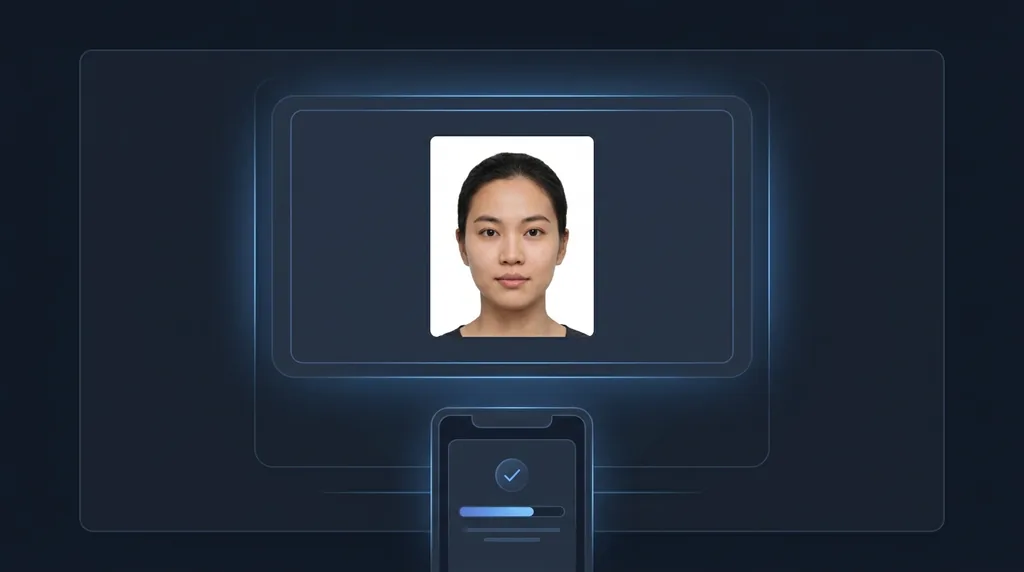
Popular ways to use ID Photo Maker
Create passport, visa, ID-card and work-badge photos from a home selfie - plain background, correct framing - without a trip to a photo booth. Always check your document's official spec.
Pairs well with our Background Remover and background removal guide.
New to this? Read our background removal guide.
See what others are creating →How to shoot a selfie that passes
Compliance and country requirements
Best photos to use
- Frame the shot with empty space above your head and below your shoulders, so the tool has margin to recenter and crop to the regulation head-to-frame proportion without clipping the crown of your head
- Wear plain everyday clothing with a defined collar or neckline, since a pale or white top can merge into the background and confuse where the cut-out separates your shoulders
- Keep hair off the jawline and pulled back from the head outline, because strands that drift across your neck or onto the background make a messy edge once the original backdrop is replaced with flat white
- Capture at high resolution, ideally 600+ pixels across the head itself, so the result still hits the print DPI most passport and ID authorities specify
- Use a photo with untouched skin and lip tone and no beauty smoothing already applied, because a filtered face can be read as a manipulated ID photo and rejected even when the framing is perfect
What to keep in mind
- It outputs one fixed white background and standard centered framing; it does not let you dial in a country's exact millimetre head-height or a specific non-white background shade
- Wispy flyaway hairs, fuzzy knitwear or a busy original background can leave a slightly soft or ragged edge where the cut-out meets the white
- It standardizes the background, framing and lighting but does not change your face, so a smile, closed eyes, tilted head, glasses glare or a head covering in the input carries straight through and can still fail the document's rules
What you get
A single front-facing portrait re-cut onto a plain solid-white background with your head centered and proportioned for ID use, even lighting, and your face and identity left untouched.
Real ways to use ID Photo Maker
If the selfie itself is too dim, grainy or soft to pass at print resolution, run it through the Portrait Enhancer first so the ID crop comes out sharp. And because this tool keeps your face exactly as shot, a smiling or frowning input stays non-compliant for documents that demand a neutral face, so neutralize the expression with the Expression Editor before generating the ID photo.