
AI Portrait Enhancer
Make face photos look their best. The portrait enhancer is built only for people - it improves skin tone, sharpens facial features, and corrects lighting in portraits, headshots, and selfies. For landscapes or products, use the Image Enhancer.
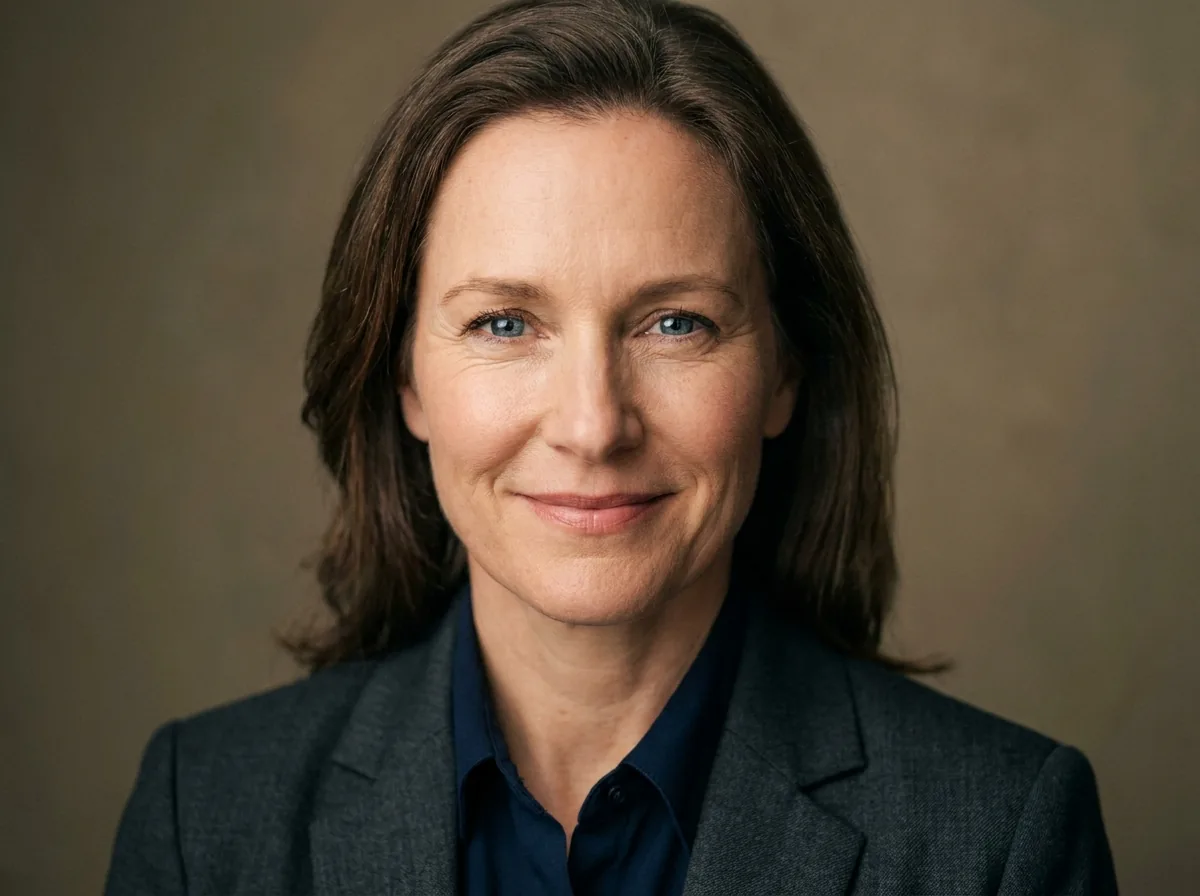
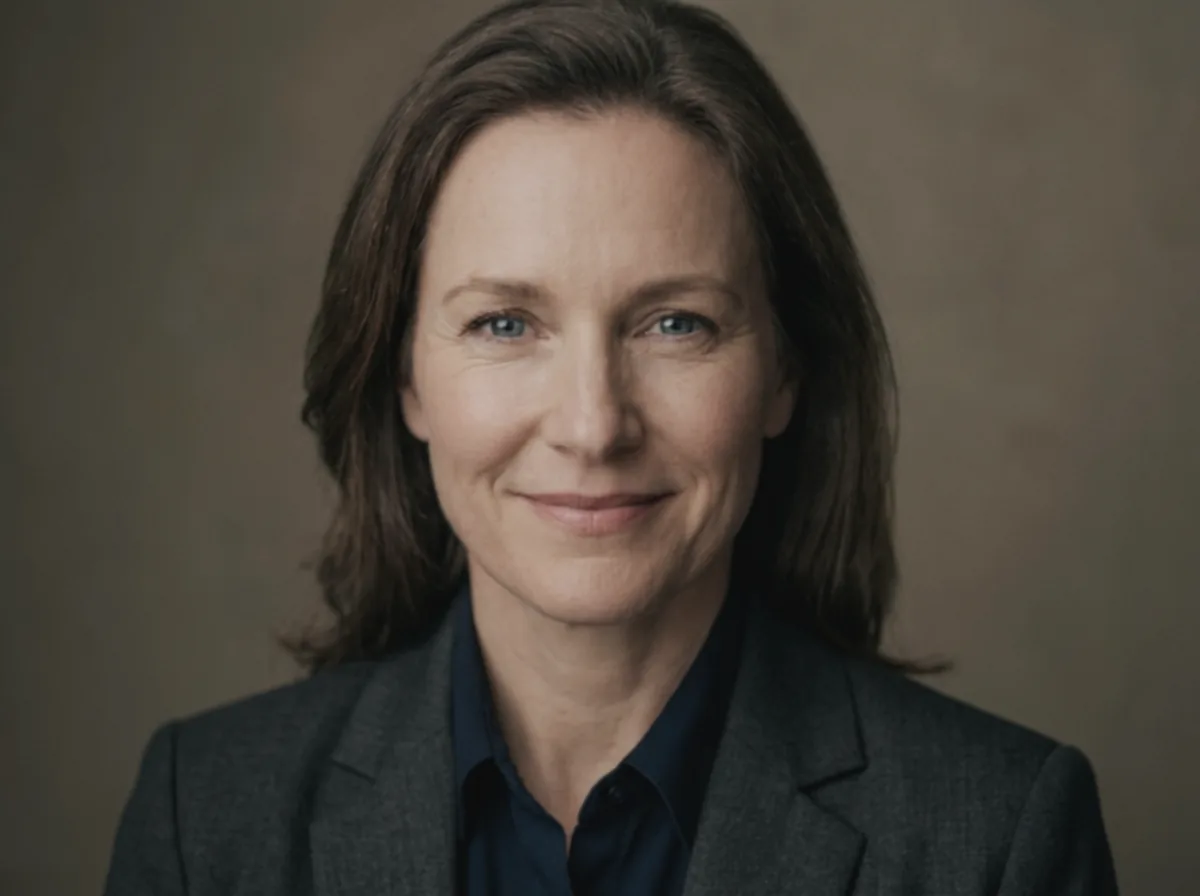 Before
After
Before
After
Portrait Enhancer - Upload & Enhance Portrait
Click to upload or drag & drop
JPEG, PNG or WebP — max 10 MB
This tool is for creative and entertainment use only. Misuse to create deceptive or harmful content is strictly prohibited. Read our Content Policy.
How Portrait Enhancer Works
Upload a portrait
Add a face photo you want to refine.
AI enhances the face
Skin texture, facial detail and lighting are refined for a polished, natural portrait.
Download your portrait
Save your sharp, professional-looking portrait.
Natural, Flattering Detail
Portraits have their own rules - Push too hard and skin looks plastic. Our portrait enhancer is tuned specifically for faces: it refines skin texture, sharpens eyes and detail, evens out lighting and lifts color while keeping the person looking like themselves. The result is the kind of subtle, flattering polish you would expect from a professional retoucher, not an obvious filter.
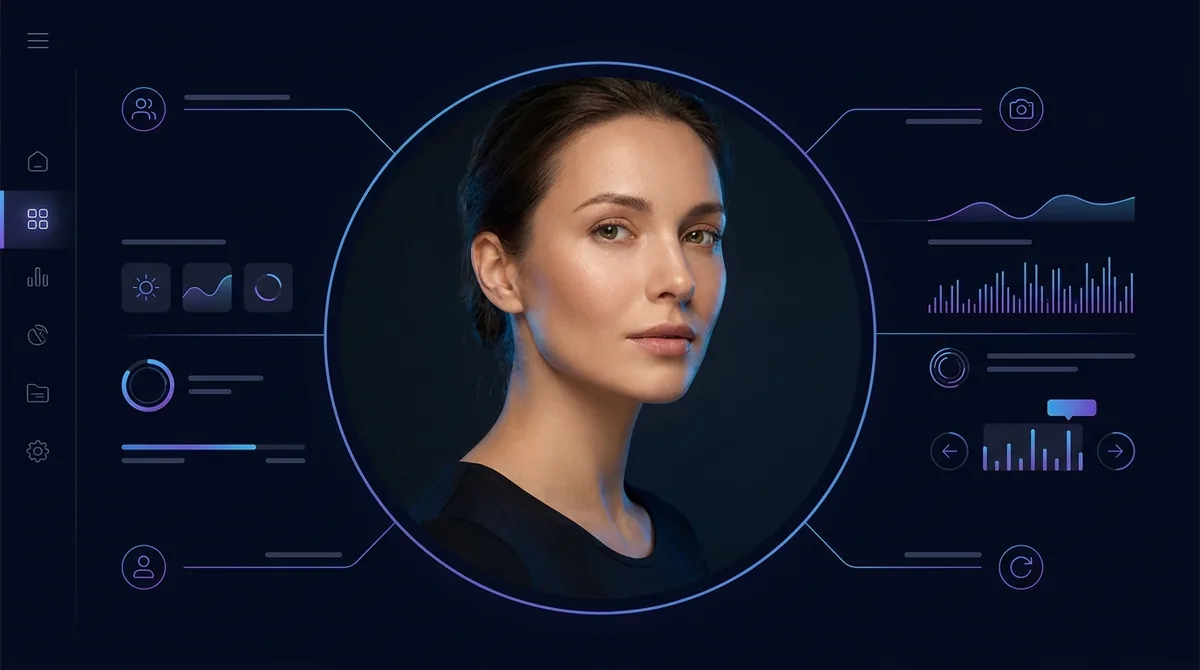
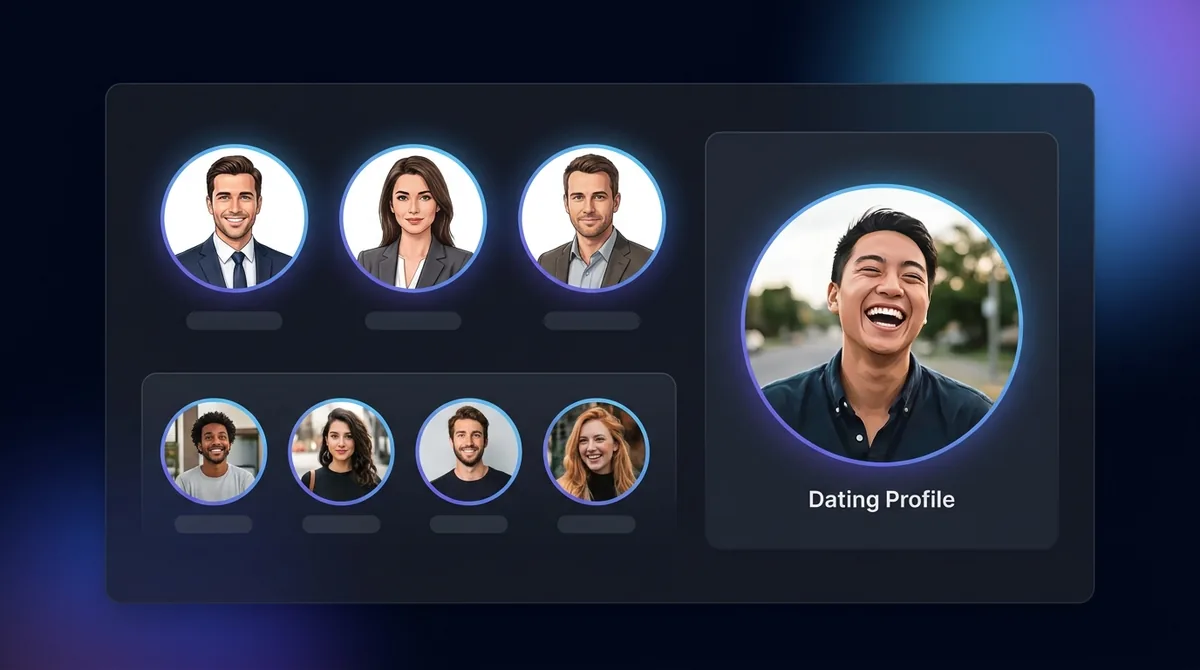
Headshots, Dating Profiles & Socials
Turn a casual selfie into a clean professional headshot for LinkedIn, sharpen a dating-profile photo so you make a strong first impression, or polish avatars for social media. Creators use it to keep their on-camera thumbnails looking crisp and consistent. For a brand-new background behind your enhanced portrait, follow up with the Background Remover.
Capture Better Portraits
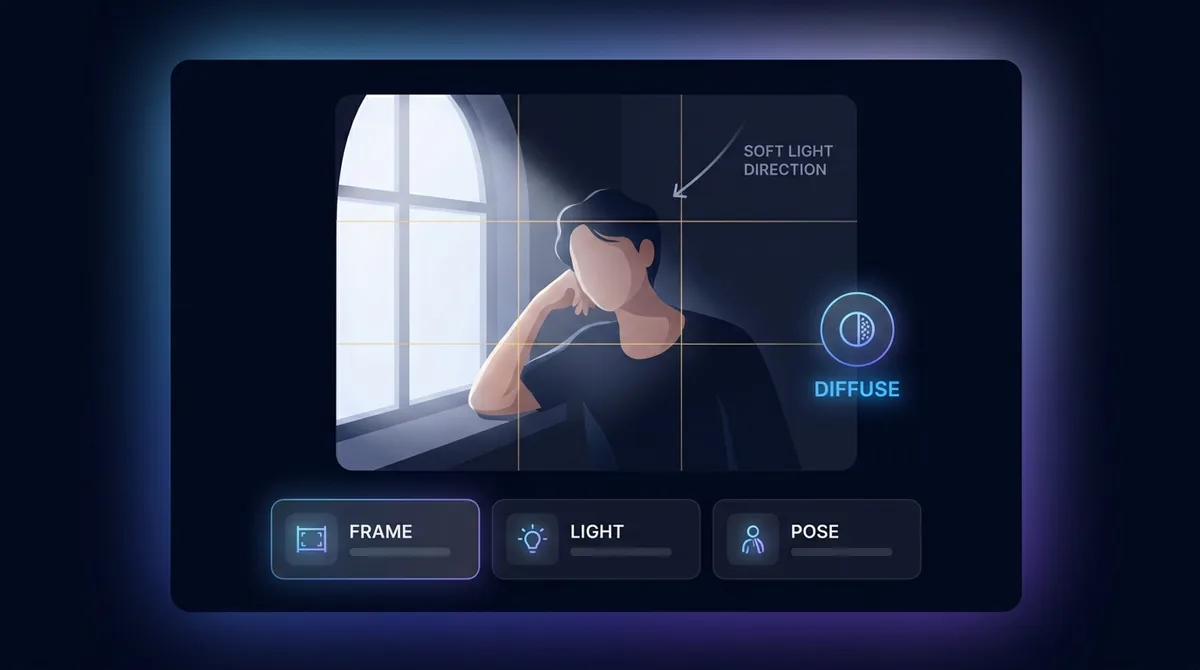
Soft, even light - Like the glow from a window - Is the most flattering and gives the AI the most to enhance. Keep the face in focus, fill a good portion of the frame, and avoid harsh shadows or strong backlight. The sharper and better-lit your starting portrait, the more natural and impressive the enhanced result will be.

Your images stay yours
Free to use with no signup. Uploads are processed securely and removed automatically. Only use photos you own or have permission to edit.
Learn about safety →Best photos to use
- A photo where the face is genuinely in focus but the file is soft - a phone shot at arm's length, a webcam grab, or a JPEG that lost crispness after being sent through a messaging app - because the tool sharpens detail that exists rather than redrawing it.
- Even, flat front light such as an overcast day or a window, where the AI's lighting pass has clean tones to balance instead of one cheek lost to a hard shadow.
- The face filling a decent share of the frame at head-and-shoulders distance, not a small figure in a wide scene, so the facial work lands where you can see it.
- Skin that reads slightly noisy, shiny, or washed out under indoor light while the eyes, nose and mouth are still clearly defined - that is exactly the texture-and-tone job this is tuned for.
- A clear front-facing pose with nothing covering the face - no sunglasses, raised hand, mask, or heavy fringe across the eyes - since the model refines what it can see and skips what it cannot.
What to keep in mind
- Its attention is on the face, so the background, clothing and anything beyond the head and shoulders get little to no work - a flawless face can still sit against a dull or noisy backdrop, which is a background-cleanup or whole-frame job rather than a portrait one.
- It refines detail rather than inventing it: a heavily out-of-focus, motion-blurred, or thumbnail-sized face cannot be rebuilt into a sharp one, and a face hidden behind sunglasses or shadow stays hidden.
- It will not repair physical damage - scratches, tears, creases or missing areas on an old print - and uploads are capped at 10 MB in JPEG, PNG or WebP.
What you get
One retouched copy of the same portrait at roughly the framing and size you uploaded - identity, pose and composition unchanged - with refined skin texture, sharper eyes and facial edges, evened-out facial lighting and lifted color. You get a finished image to download, carrying a small Face-swapper.org mark - not a layered file or a panel of sliders.
Real ways to use Portrait Enhancer
Reach for the Portrait Enhancer only when the thing you want fixed is a person's face - skin, features and facial lighting. If the dull part is the whole scene, a product, or a landscape, the Image Enhancer balances the entire frame instead. And if you are working from an old, scratched or torn print of someone, run Photo Restoration first to repair the physical damage, then bring the face back to life with this.