
Group & Multi-Face Swap
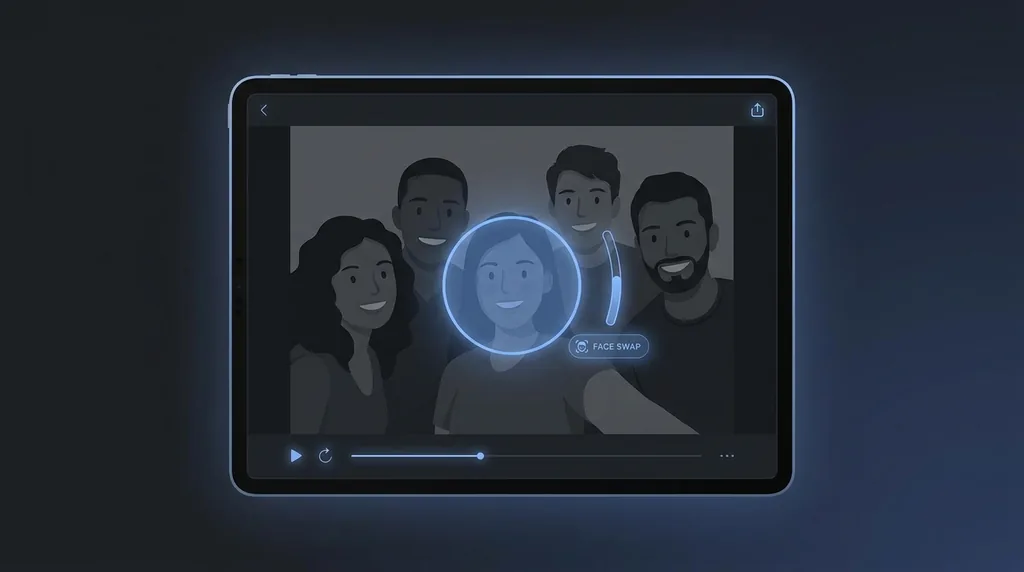
Swap a face into a group photo. Upload the face you want and the group shot, and our AI blends it in cleanly.
Click or drag here
A clear, front-facing portrait
Click or drag here
The photo to place the face into
Uses 10 credits - earn more free
Working on your image…
Why use Group Face Swap?
Built for group shots
Targets a face within a crowd and blends it naturally with the surrounding people.
Fast and automatic
No manual masking - The AI matches lighting, angle and skin tone for you.
Consent-first
Only swap faces of people who have given you permission, as our policy requires.
Swapping a face into a busy group photo by hand is fiddly - You have to match angle, lighting and skin tone for a single face among many. Group Face Swap does it automatically: upload the face you want to use and the group photo, and the AI detects the target face, aligns it and blends it so it looks like it was always there.
How it works
Upload the face
Add a clear, well-lit, front-facing portrait of the face you want to use.
Upload the group photo
Add the group shot you want to place that face into.
Swap & download
Generate the blended result and download it in seconds.
Popular ways to use Group Face Swap
Group Face Swap is popular for putting a friend who missed the event into the team photo, swapping a whole friend-group into a movie scene, or creating birthday and bachelor-party gags. It is also handy for reunion edits where one person only sent a solo selfie - drop them into the group shot so no one is left out.
Pairs well with our AI Face Swap and group photo guide.
New to this? Read our guide to face swapping group photos.
See what others are creating →Get sharper, more believable group swaps
Creative ways people use group swaps
Best photos to use
- A group target photo where the head you want to replace stands clear of its neighbours - not cheek-to-cheek, not half-hidden behind a shoulder or a raised glass, so the AI locks onto one face instead of the seam between two
- A target where that specific head spans at least a few hundred pixels - in a wide banquet or stadium-tier shot the back rows shrink to a thumbnail, and there isn't enough detail there to swap without mush
- A source portrait whose head turn and chin angle roughly track the target person's pose; a straight-on passport selfie fights a head caught mid-laugh in three-quarter profile and ends up looking tilted into the row
- A source face shot under the same kind of light as the gathering - a window-lit indoor portrait suits an indoor group, while a harsh-noon source dropped into a candlelit dinner table reads as a brighter cut-out
- A target where the chosen face is in the sharp focus plane; if the group was shot at a wide aperture, only one row is crisp, and a face from the blurred row blends far less convincingly than one from the row in focus
What to keep in mind
- It targets one face per run, so completing a row of several absent people means re-uploading the same group shot for each pass, and the separate swaps won't share a guaranteed consistent grade across the row
- When two people in the group overlap or lean in close, the detector can lock onto the wrong adjacent face or bleed the swap across the boundary between two heads
- The dropped-in face inherits the target person's head size, hairline and crop, so if your source has very different hair volume or a beard the target lacks, the edit stops at the original face outline and can look bordered rather than belonging to that body
- It does not add a missing person's body - you can only paint a face onto a head that is already in the frame, so 'adding' an absent friend means there must already be a placeholder body or spare person to overwrite
What you get
You get back the original group photo with one chosen person's face replaced by your source face, blended for the surrounding lighting and skin tone, while everyone else, the bodies, and the background stay exactly as shot.
Real ways to use Group Face Swap
If your photo has just one person, or you want to swap every face in a duo rather than single out one head from a crowd, the plain AI Face Swap page is the simpler route. To deal with an unwanted extra in the same group shot, you have two on-site options that aren't swaps at all: Face Blur softens a bystander who shouldn't be identifiable, while the Object Remover deletes a stray photobomber from the edge of the frame entirely.