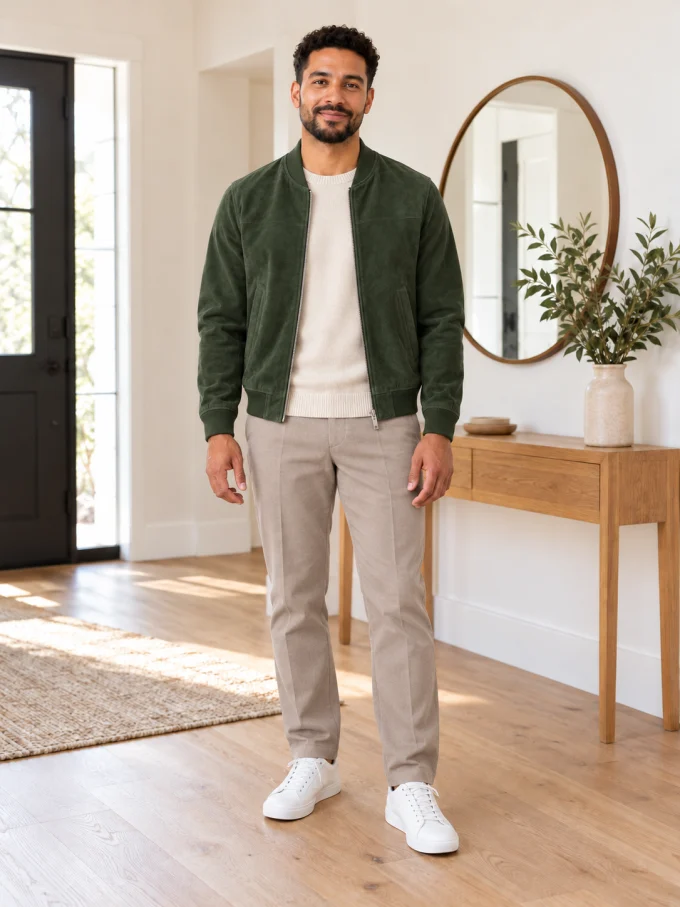
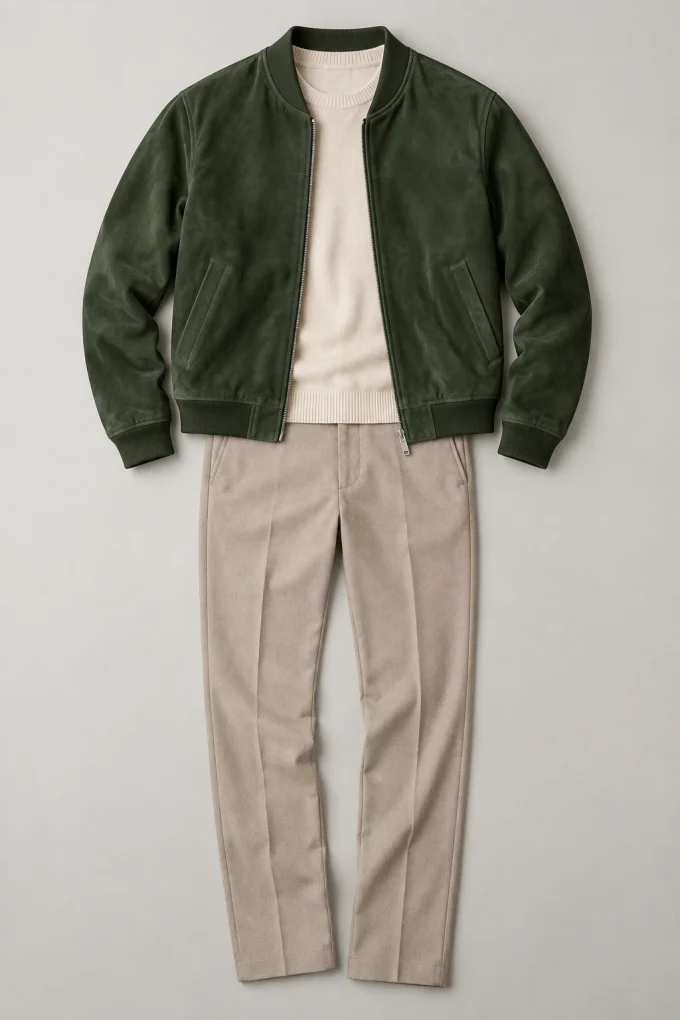
Green suede bomber outfitComplete smart-casual look from a clean flat lay
 Face Swapper
Sign Up
Account
Face Swapper
Sign Up
Account
Upload a photo of one person and a picture of an outfit. The AI dresses the same person in that garment while keeping their face, pose, body shape, lighting and background.
JPG, PNG or WebP, up to 15 MB each
The result keeps the person photo's framing
Add a person and an outfit, confirm permission, then start the virtual try-on.
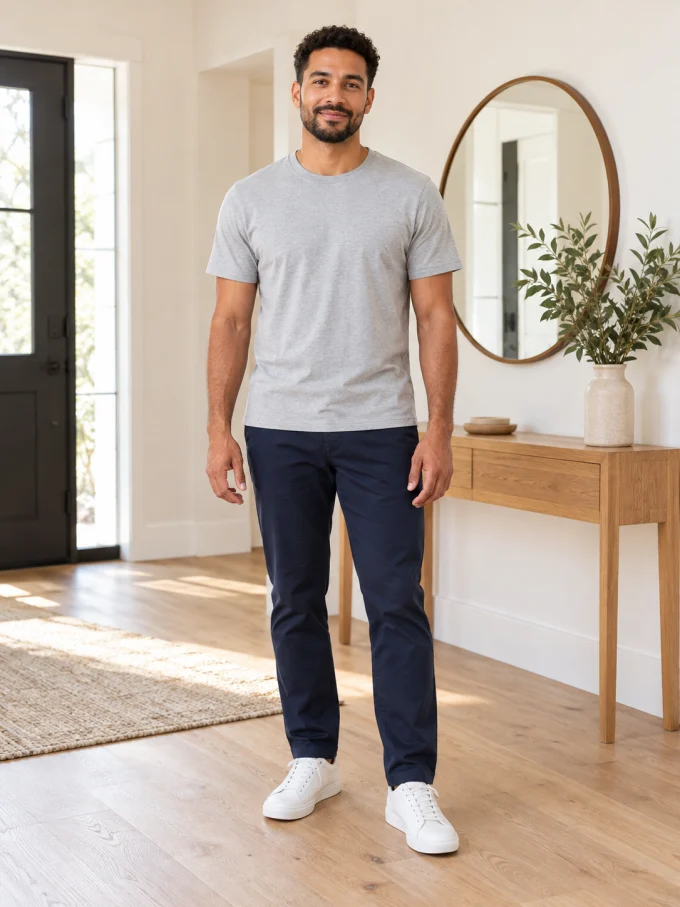
Drag each handle to compare the original person photo with the generated outfit. These examples use AI-generated people and garments.
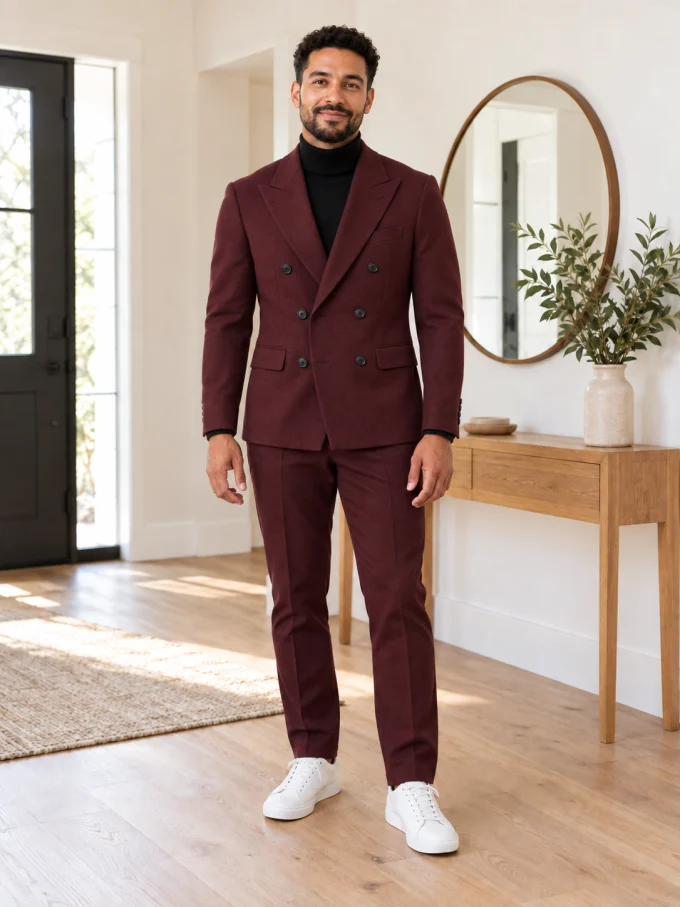
No brushes, masks or prompt engineering. The garment image tells the AI what to put on the person.
Choose a clear full-body or half-body photo. Keep the face and clothing area visible.
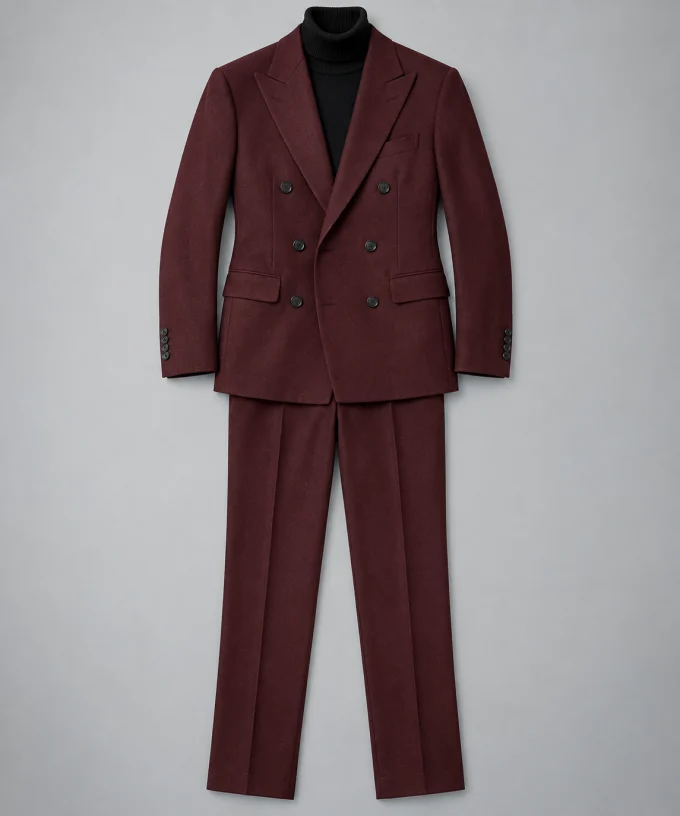
Use a flat lay, hanger, mannequin or clean shop image that shows the complete outfit.
Add an optional fit note, start the try-on and save the finished image when it is ready.
A simple source pair produces a much more convincing garment transfer.
The garment changes; the person and scene are intended to stay recognizable.
The face, hair, body shape and camera framing come from the person photo rather than the garment model.
Colour, pattern, neckline, sleeves, hem and material are carried over from the outfit image.
Natural folds, shadows and highlights follow the lighting already present in the source photo.
Only the clothing covered by the new garment is meant to change. The system instructs the model to preserve the person's face, hair, skin, body shape, pose, background, lighting and framing.
A clean product image, flat lay, hanger or mannequin gives the most reliable result. A full-length model photo can work when the garment is unobstructed, but busy poses and covered details make the AI guess.
Yes. Upload that single item and add a note such as “keep the jeans” or “leave the jacket open.” The tool will try to replace only the matching layer.
Yes. Sign in with Google to receive free credits. Each try-on uses the same free credit system as the other Face Swapper AI tools, and more credits can be earned daily and through referrals.
Your images are processed only to create the requested result. They are not added to a public gallery and are removed automatically under our privacy policy.
You can use the generated image if you have the rights to both source images and permission from the person shown. Do not misrepresent a generated try-on as a photograph of a product that does not exist.
The latest updates and improvements on Face Swapper.
Try a garment on your own photo while keeping the same face, pose and background. Open the virtual fitting room.
Every popular conversion - JPG, PNG, WebP and PDF - Now has its own dedicated page with a guide, tips and FAQ. Browse them all.
Collapse the navigation to a clean icon rail, and pop open the More menu to reach every tool, guide and trust page in one place.
Edit photos just by describing the change you want, with cropping, aspect ratios, reference images and instant downloads. Try it.
Drag to compare results on the Image Upscaler, Enhancer, Photo Restoration and Portrait Enhancer tools.
A cleaner, distraction-free dark theme rolled out across the whole site for a faster, more focused experience.
Preferences are saved on this device.
Your upload is saved. Sign up in seconds and you'll land right back here, ready to go.
Already have an account? Log in
No card required. Every tool stays 100% free.