
AI Gender Swap
See yourself as another gender. A realistic, high-quality gender swap that keeps the result believable.
Click or drag a photo here
JPG, PNG or WebP - up to 15 MB
Uses 10 credits - earn more free
Working on your image…
Why use Gender Swap?
Believable results
Adjusts features and hair holistically, not with a crude mask.
Keeps resemblance
The result still echoes the original person's look.
One-tap
Upload, generate, done - No settings to fiddle with.
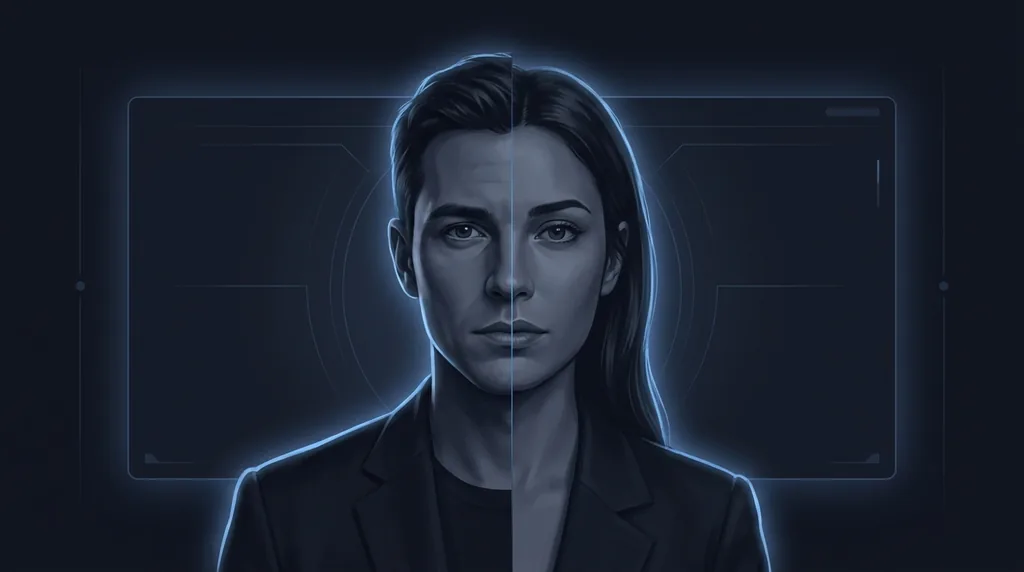
The AI Gender Swap reimagines a face as another gender, thoughtfully adjusting features, hairstyle and styling for a natural, believable result. It's one of the most popular face filters out there - Fun to try on yourself and friends, and surprisingly realistic.
How it works
Upload a photo
A clear, front-facing portrait works best.
Generate
The AI produces a realistic gender-swapped version.
Download
Save and share your result.
Popular ways to use Gender Swap
Gender Swap is used for fun social challenges, character and cosplay concepting, and curiosity edits. Creators also use it to design alternate versions of a character from a single reference photo.
Pairs well with our Age Filter and AI Avatar Generator.
New to this? Read our best photos to use.
See what others are creating →Why hair and styling make or break the result
Creative and character-design uses
Best photos to use
- A clean-shaven or lightly-stubbled face for a feminine swap, since a heavy beard forces the AI to invent a whole jaw, chin and cheek surface it can't see under the hair
- Visible, un-plucked eyebrows in their natural shape, because the model treats brow thickness and arch as one of its strongest gender levers and reshapes them first
- A jawline and neck left uncovered by a high collar, scarf or turtleneck, as both a masculine and a feminine swap widen or narrow the jaw and need that edge to anchor to
- Bare or near-bare skin with no existing makeup, so a feminine swap applies its own liner and lip tone instead of stacking on top of contouring you already wore
- A neutral, lips-together expression rather than a broad smile, since a wide grin pulls the cheeks up and hides the jaw and lip shape the AI relies on to re-gender the lower face
What to keep in mind
- It commits to one clear opposite-gender result and won't aim for a deliberately androgynous or non-binary midpoint, because the model is trained to push toward a single distinct target
- Hard masculine cues that survive the swap - a heavy brow ridge, a very square mandible, a receding hairline, an Adam's apple - can bleed into a feminine output and leave 'tells' that read as slightly off
- It changes appearance, not anatomy or biology, so the image is a styling what-if and not a medical or genetic prediction of how anyone would actually present
- Very long, voluminous hair on the original can box in a masculine swap, since the AI tends to keep the existing hair mass rather than crop it short, leaving a mismatched long-hair-on-masculine-face look
What you get
You get one photorealistic still image of the same person reimagined as the other gender, with facial bone structure, brows, hair and styling re-rendered together as a set, while the original lighting, background, head angle and pose are carried over unchanged.
Real ways to use Gender Swap
Gender Swap rebuilds bone structure and styling to read as the other gender; if you instead want to keep your own face and only add or remove cosmetics, use AI Makeup, and if you want to change only the look on your face without re-gendering it, use the Expression Editor.