
JPG to WebP Converter
Shrink your photos without shrinking their quality. WebP delivers the same image at 25–35% smaller file size than JPG, so pages load faster and rank better.
Click or drag your JPG file here
Up to 15 MB
Converting your JPG to WebP…
Why Convert JPG to WebP?
25–35% Smaller
WebP's modern compression beats JPG at the same visual quality.
Faster Load Times
Lighter images speed up your pages and improve Core Web Vitals.
Universally Supported
Works in Chrome, Firefox, Edge, Safari and on mobile.
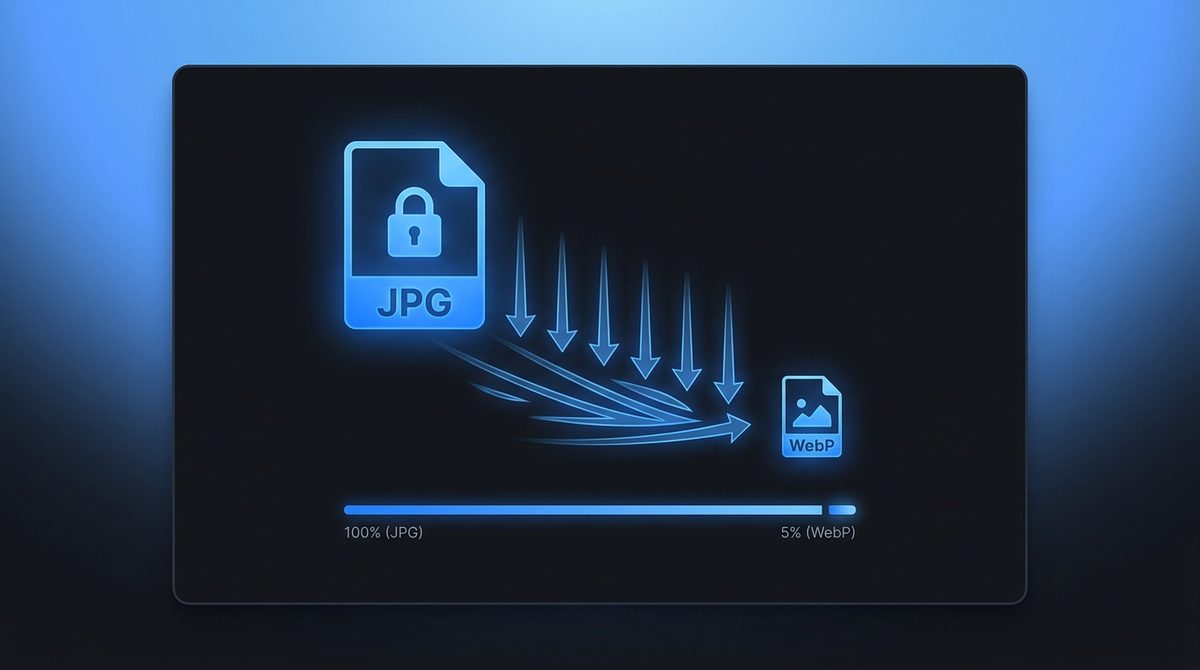
Smaller Files, Identical Quality
WebP's compression engine is a generation ahead of JPG. At a visually identical quality setting it typically produces files 25–35% smaller, and sometimes more. That difference is invisible to the eye but very visible in your page-load times and bandwidth bill. Converting a folder of JPG product shots or blog images to WebP is one of the easiest wins available for site performance - Same pictures, far less weight.
Faster Pages Mean Better SEO
Search engines reward fast sites, and images are usually the heaviest thing on a page. By converting JPG to WebP you cut the largest contentful paint time, improve Core Web Vitals, and give mobile visitors on slow connections a smoother experience. For web developers and digital marketers managing large image libraries, switching to WebP is one of the highest-impact optimizations you can make without touching a single line of code.
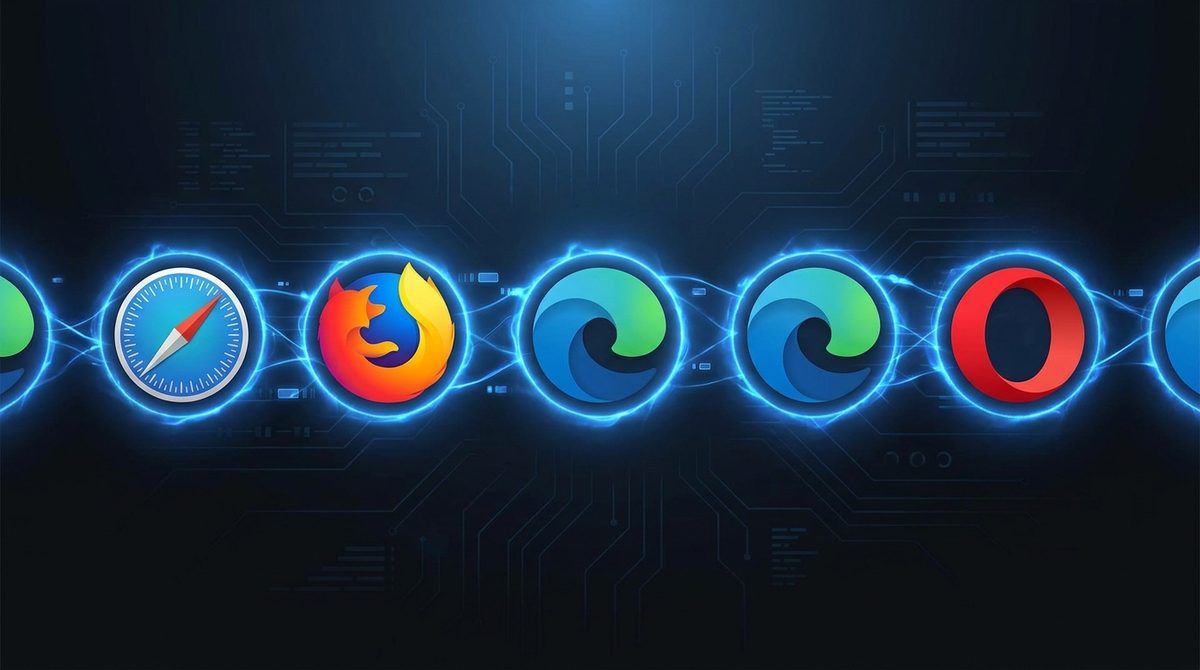
Supported In Every Modern Browser
WebP used to be a Chrome-only curiosity - That era is long gone. Today it's supported in Chrome, Firefox, Edge, Safari and every other current browser, plus Android and iOS. That means you can serve WebP confidently to virtually all of your visitors and only fall back to JPG for the rare legacy client. The format is now a safe default for the web rather than an experiment.
JPG vs WebP at a Glance
A side-by-side look at how JPG and WebP differ in compression, capabilities, and ideal uses.
| Property | JPG | WebP |
|---|---|---|
| Compression type | Lossy only (DCT-based) | Lossy (VP8) or lossless (VP8L) |
| Transparency / alpha | No alpha channel | Yes, 8-bit alpha transparency |
| Animation support | No | Yes, multi-frame animation |
| Typical file size | Larger baseline | Roughly 25-35% smaller at equal quality |
| Best for | Photos, email, print, legacy compatibility | Web images, faster pages, better Core Web Vitals |
| Software / browser support | Universal, every app and device | All modern browsers; some older software lacks it |
Need the other direction? WebP to JPG converter →
How to Convert JPG to WebP
Upload your JPG
Drop in any .jpg or .jpeg photo - Up to 15 MB per file.
WebP is pre-selected
Output is set to WebP. Add an optional resize width to optimize for the web.
Download your WebP
Grab your smaller, web-ready file instantly - free, with a small Face-swapper.org mark.
Working with images? You might also like our PNG to WebP and Image Enhancer tools. New to image formats? Our AI image editing glossary explains lossy vs lossless, DPI and more.