
WebP to JPG Converter
Downloaded a WebP that won't open where you need it? Convert it to JPG for rock-solid compatibility with every app, editor, printer and platform.
Click or drag your WebP file here
Up to 15 MB
Converting your WebP to JPG…
Why Convert WebP to JPG?
Universal Support
JPG opens in every app, editor, printer and platform that exists.
Editor-Friendly
Drop your image straight into any photo editor without format errors.
Safe To Share
Everyone can view and save a JPG, on any device.
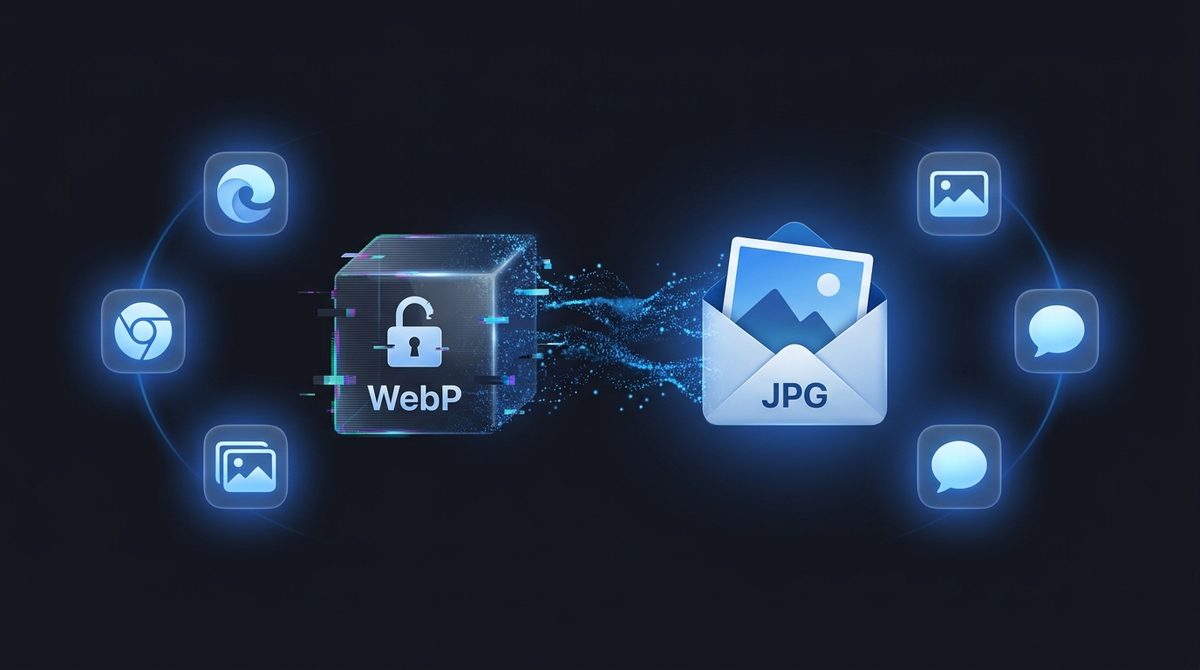
Open Your Image Anywhere
WebP is great for the web, but plenty of programs still don't accept it - Older photo editors, some office software, certain printers and a few upload forms simply refuse the format. Converting WebP to JPG solves that instantly. JPG is the most universally supported image format there is, so the file you've been struggling to open or upload will just work, on any device and in any app you throw at it.
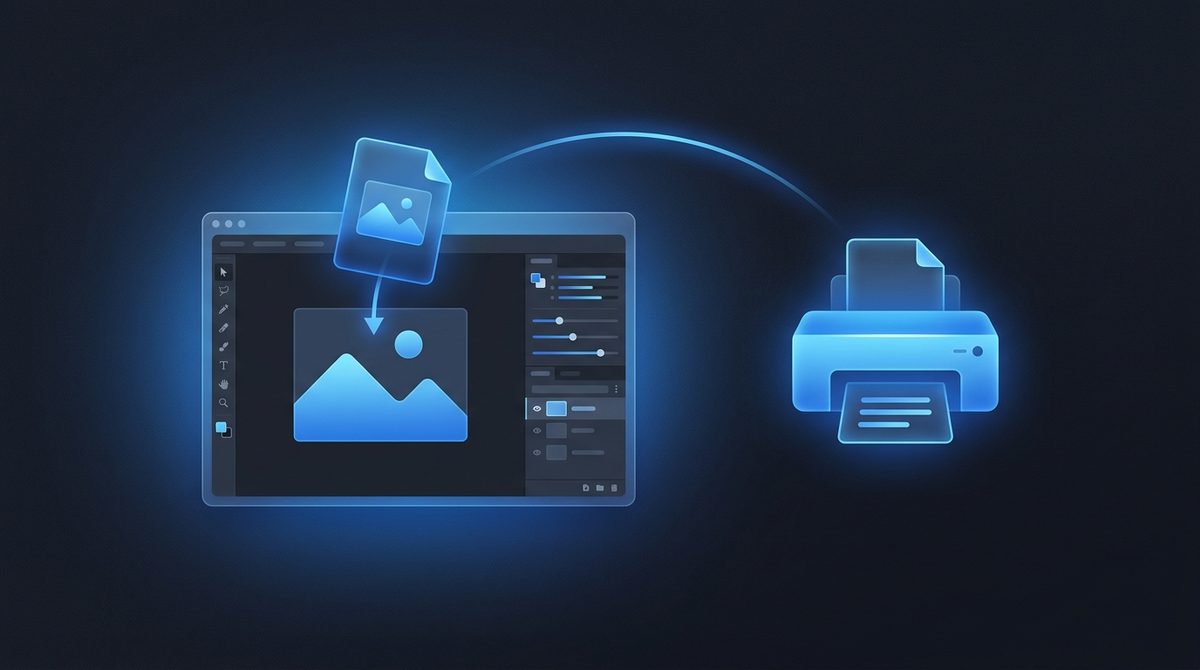
Ready For Editing And Printing
If you saved or received an image as WebP and now need to edit or print it, JPG is the safe bridge. Most desktop editors, print shops and design tools have decades of rock-solid JPG support, where WebP handling can still be patchy. Converting first means no error messages, no unsupported-format warnings - Just a file that drops straight into your usual workflow and prints exactly as expected.
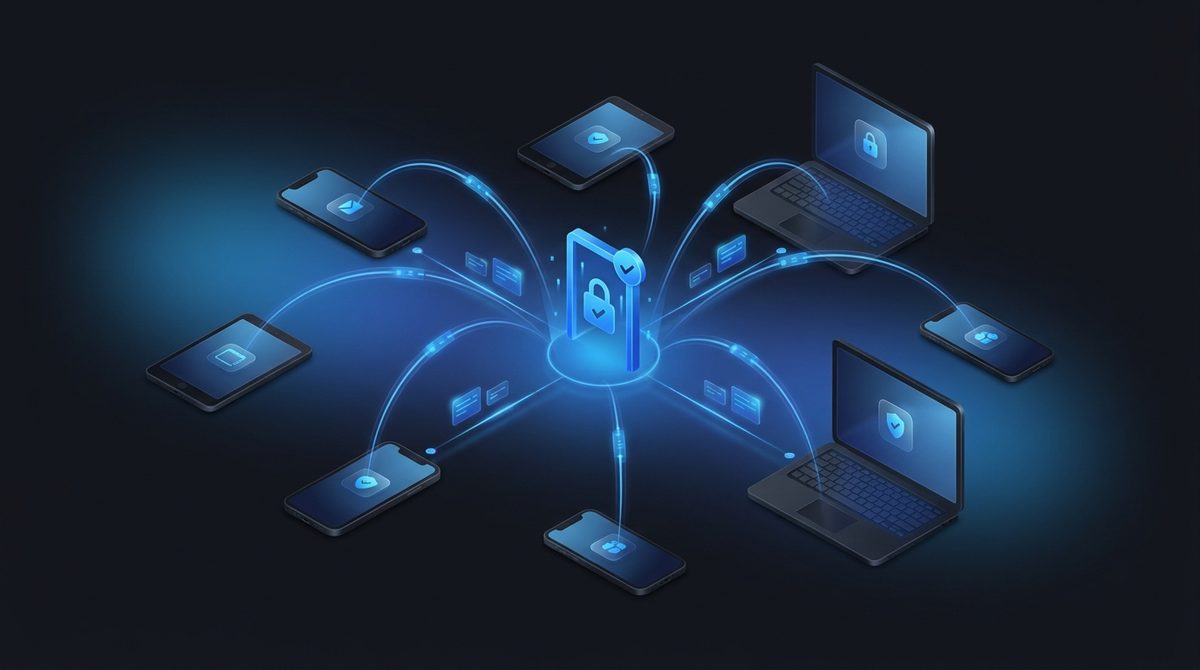
Share With Anyone, On Any Device
Send someone a WebP and there's a real chance their phone gallery or messaging app shows nothing useful. JPG removes that risk entirely - Everyone can view, save and forward it without a second thought. When you're sharing photos with family, attaching an image to an email, or posting somewhere that doesn't fully support WebP yet, converting to JPG guarantees the picture actually shows up.
WebP vs JPG at a Glance
Here is how WebP and JPG compare on the technical points that matter when you convert between them.
| Property | WebP | JPG |
|---|---|---|
| Compression | Lossy or lossless (VP8 / VP8L) | Lossy only (DCT-based) |
| Transparency / alpha | Yes (8-bit alpha channel) | No (opaque only) |
| Animation | Yes (animated WebP) | No (single frame) |
| Typical file size | Smaller (~25-34% under JPG at equal quality) | Larger at equal quality |
| Best for | Modern web pages, fast-loading sites | Photos, email, printing, legacy apps |
| Software / browser support | All modern browsers; patchy in older editors and tools | Universal - every app, OS and printer |
Need the other direction? JPG to WebP converter →
How to Convert WebP to JPG
Upload your WebP
Drag in or select any .webp file - Up to 15 MB.
JPG is pre-selected
Output is set to JPG. Any transparency is flattened to a solid background.
Download your JPG
Get a universally compatible file in seconds - free, with a small Face-swapper.org mark.
Working with images? You might also like our Image Enhancer and WebP to PNG tools. New to image formats? Our AI image editing glossary explains lossy vs lossless, DPI and more.