
WebP to PDF Converter
Got a WebP image you need to share as a document? Convert it to PDF for a clean, print-ready file that opens identically on every device - No WebP support required.
Click or drag your WebP file here
Up to 15 MB
Converting your WebP to PDF…
Why Convert WebP to PDF?
Document-Ready
Wrap a web image in a file anyone can open and share.
Reliable Printing
PDF prints cleanly where WebP often isn't accepted.
Consistent Everywhere
Renders identically across every device and OS.
Make Web Images Document-Friendly
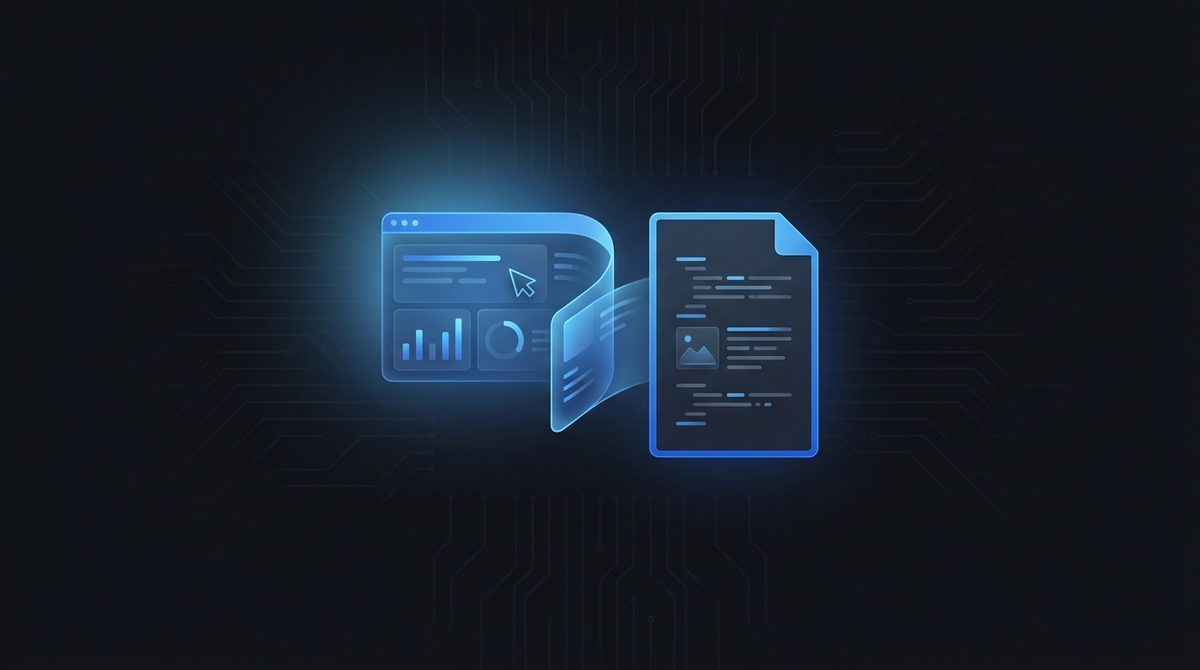
WebP is a web-first format, which is exactly why it can be awkward to hand someone as a document. PDF fixes that: it wraps your WebP image in a self-contained page that anyone can open without worrying whether their software supports WebP. Whether you saved a graphic, a receipt or an infographic as WebP, converting to PDF turns it into something you can confidently attach to an email or upload to a portal.
Print Without Compatibility Headaches
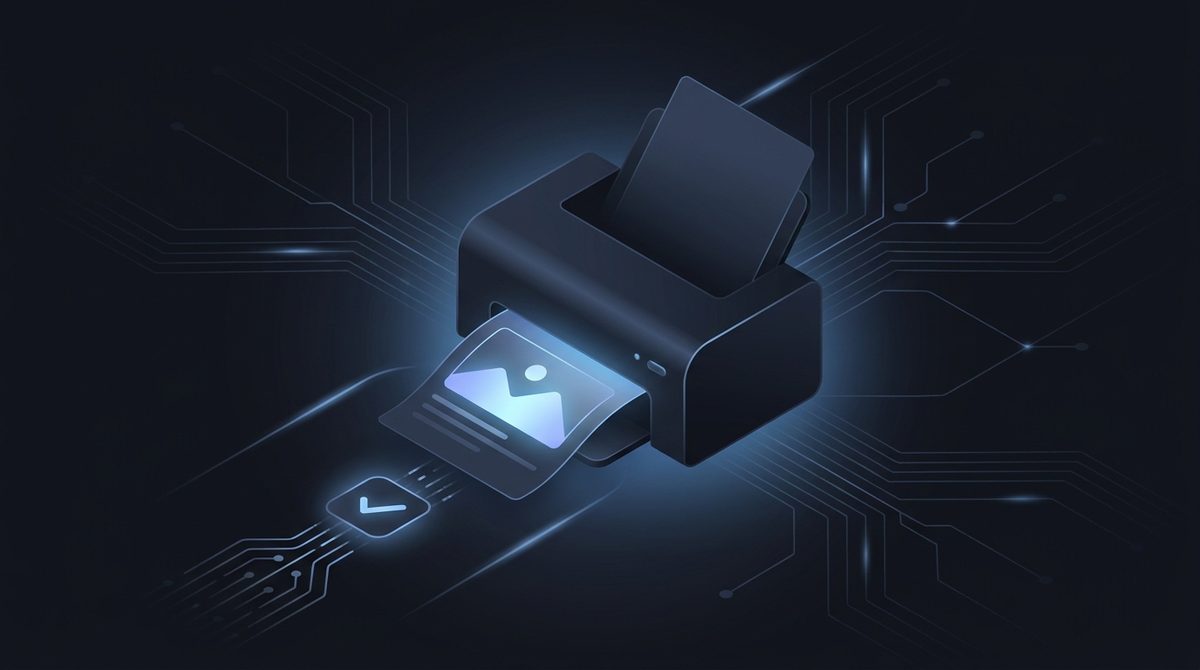
Many printers and print services still don't accept WebP, so trying to print one directly often ends in an error. Converting to PDF removes that friction completely - PDF is the universal print format, with a fixed page layout that comes out exactly as you see it on screen. If you need a physical copy of a WebP image, routing it through PDF is the reliable path from screen to paper.
Identical On Every Screen
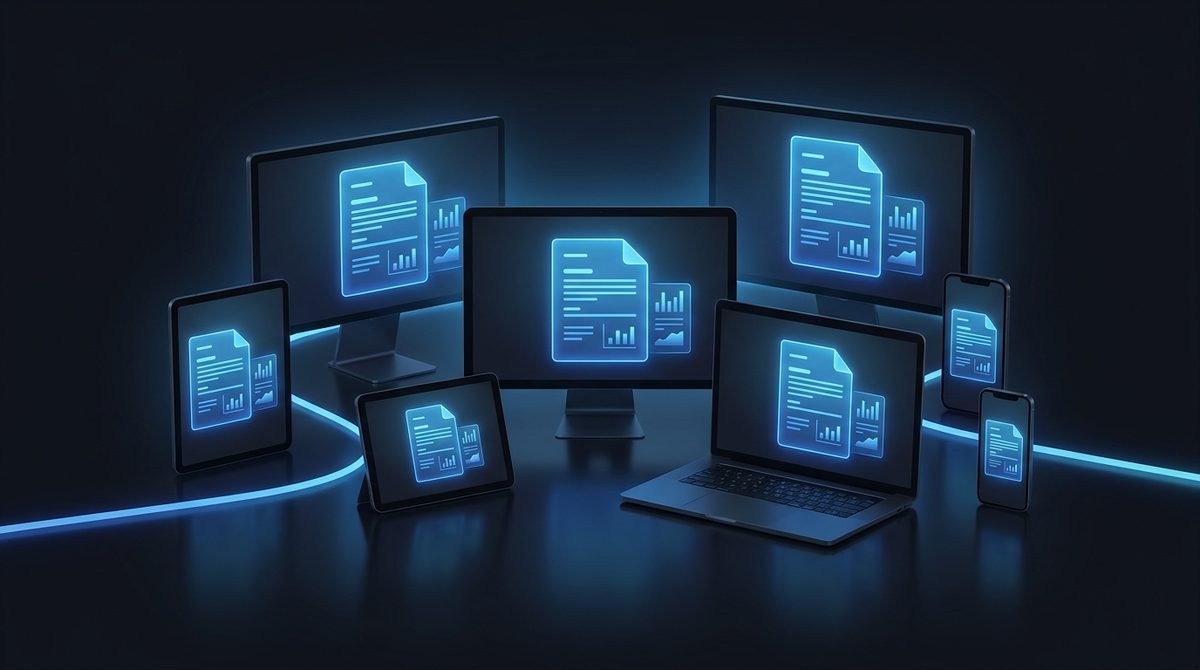
Because not everyone's device renders WebP the same way - Or at all - Sharing one can be a gamble. PDF guarantees consistency: it looks exactly the same on a phone, a tablet, a laptop or an office workstation, regardless of operating system. When you want certainty that your recipient sees the image precisely as intended, converting your WebP to PDF is the safest way to send it.
WebP vs PDF at a Glance
WebP is a modern raster image format built for the web, while PDF is a fixed-layout document container that can wrap that image into a portable, print-ready page.
| Property | WebP | |
|---|---|---|
| Compression | Lossy or lossless (VP8 / VP8L) | Container; embeds the image as-is, applies no extra image recompression |
| Transparency / alpha | Yes (8-bit alpha channel) | Alpha is typically flattened onto a white background during conversion |
| Animation support | Yes (animated WebP) | No; PDF pages are static, so only the first frame is kept |
| Typical file size | Very small for web delivery | Larger; adds document and page structure around the image |
| Best for | Web graphics, photos, fast-loading pages | Sharing, printing, archiving, email attachments |
| Software / browser support | All modern browsers; limited in some older image tools | Universal; opens on virtually any device or OS |
Need the other direction? PDF to WebP converter →
How to Convert WebP to PDF
Upload your WebP
Add any .webp image you want as a document - Up to 15 MB.
PDF is pre-selected
Output is set to PDF. Your image is placed onto a clean page.
Download your PDF
Save a shareable, print-ready document in seconds - Free, no signup.
Working with images? You might also like our JPG to PDF and converter hub tools. New to image formats? Our AI image editing glossary explains lossy vs lossless, DPI and more.