
JPG to PNG Converter
Turn a compressed JPG into a clean, lossless PNG in seconds. PNG stops further quality loss, keeps edges crisp, and unlocks transparency for design and editing work.
Click or drag your JPG file here
Up to 15 MB
Converting your JPG to PNG…
Why Convert JPG to PNG?
Lossless From Here
PNG uses lossless compression, so no new artifacts are added when you save again.
Real Transparency
Gain a full alpha channel so backgrounds can be removed cleanly.
Edit-Ready
Sharp edges and exact pixels make PNG ideal for further editing.
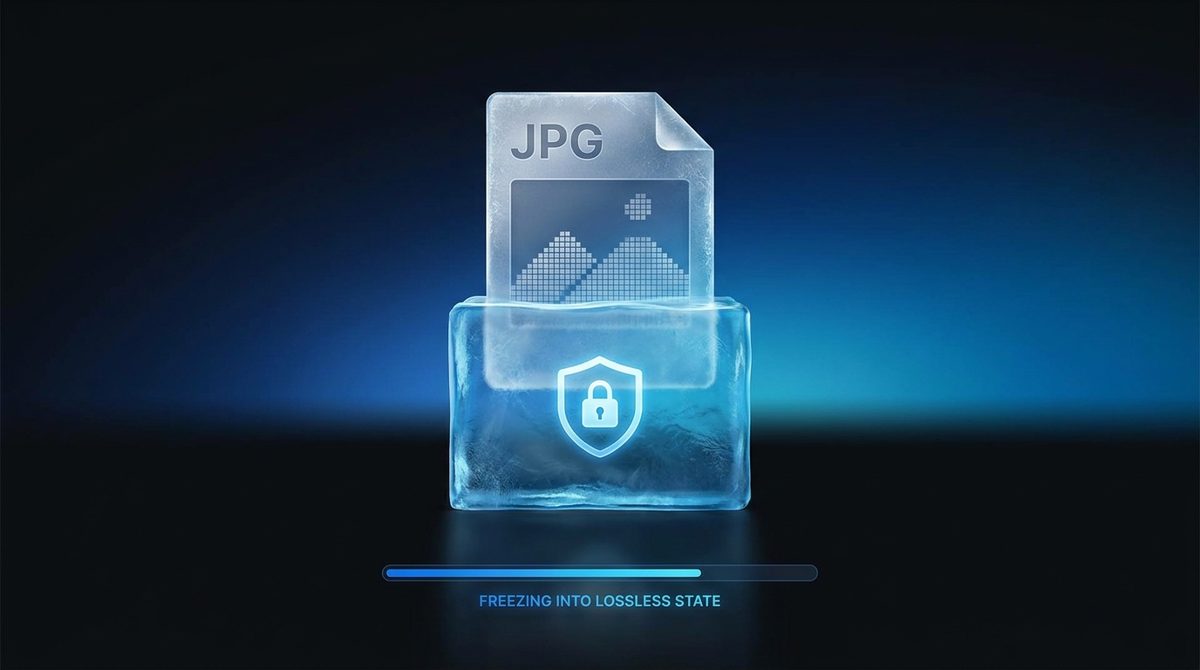
Stop Losing Quality Every Time You Save
JPG is a lossy format: every time the file is opened, edited and re-saved, a little more detail is discarded. Converting your JPG to PNG locks the image into a lossless container, so from that point on no further compression artifacts creep in. While the conversion can't rebuild detail JPG already threw away, it does freeze the image exactly as it is now - Which is exactly what you want before you start cropping, annotating, or layering it into a design.
Unlock Transparency For Logos And Graphics
The single biggest reason to move from JPG to PNG is the alpha channel. JPG can only paint on a solid rectangle, so logos, icons and cut-out subjects always arrive trapped on a white or colored box. PNG supports full transparency, so once converted you can erase the background and drop the graphic cleanly onto any color, banner, or product mockup. It's the format designers reach for whenever an image needs to sit on top of something else.
Perfect For Screenshots, Text And Sharp Edges
JPG was tuned for photographs, and it struggles with the hard lines found in screenshots, charts, UI mockups and text. You'll often see fuzzy 'mosquito noise' around lettering and crisp borders. PNG keeps every pixel exact, so diagrams stay readable and edges stay razor-sharp. If you're documenting a bug, building a tutorial, or saving a graphic with flat color, PNG is almost always the better home for it.
JPG vs PNG at a Glance
A side-by-side look at how JPG and PNG differ on the technical details that decide which format fits your image.
| Property | JPG | PNG |
|---|---|---|
| Compression type | Lossy (DCT-based) | Lossless (DEFLATE) |
| Transparency / alpha | No alpha channel | Yes, 8-bit alpha (up to 16-bit) |
| Animation support | No | No (APNG extension only) |
| Color depth | Up to 24-bit truecolor | Up to 48-bit truecolor |
| Typical file size | Smaller for photos | Larger, often 2-5x |
| Software / browser support | Universal, all software | Universal, all software |
Need the other direction? PNG to JPG converter →
How to Convert JPG to PNG
Upload your JPG
Drag in or select any .jpg or .jpeg file - Up to 15 MB per image.
PNG is pre-selected
Output is already set to PNG. Optionally set a resize width to scale the image down.
Download your PNG
Your lossless PNG is ready in seconds, with no signup and a small Face-swapper.org mark.
Working with images? You might also like our Background Remover and PNG to WebP tools. New to image formats? Our AI image editing glossary explains lossy vs lossless, DPI and more.