
PNG to WebP Converter
Keep your transparency, lose the file weight. WebP supports a full alpha channel like PNG but compresses far smaller - Perfect for logos and graphics on the web.
Click or drag your PNG file here
Up to 15 MB
Converting your PNG to WebP…
Why Convert PNG to WebP?
Keeps Transparency
WebP supports a full alpha channel, just like PNG.
Up To 80% Smaller
Dramatic size savings over PNG with no visible quality loss.
Lossless Or Lossy
Pick pixel-perfect quality or maximum compression.

Transparency Without The Bloat
PNG is the go-to for transparent logos and graphics, but that quality comes at the cost of large files. WebP gives you the best of both worlds: it supports the same full alpha-channel transparency as PNG, yet compresses dramatically smaller. Converting transparent PNGs to WebP can cut file size by up to 80% with no visible quality loss and no loss of transparency - Your cut-out graphics stay clean while loading far faster.
Built For Web Graphics And UI Assets
Icons, logos, illustrations and UI elements are usually saved as PNG to preserve crisp edges and transparency - And they add up fast on a page. WebP keeps those sharp edges and transparent backgrounds intact while making each asset a fraction of the size. For developers shipping image-heavy interfaces, converting PNG assets to WebP trims real weight off every page load without changing how anything looks.
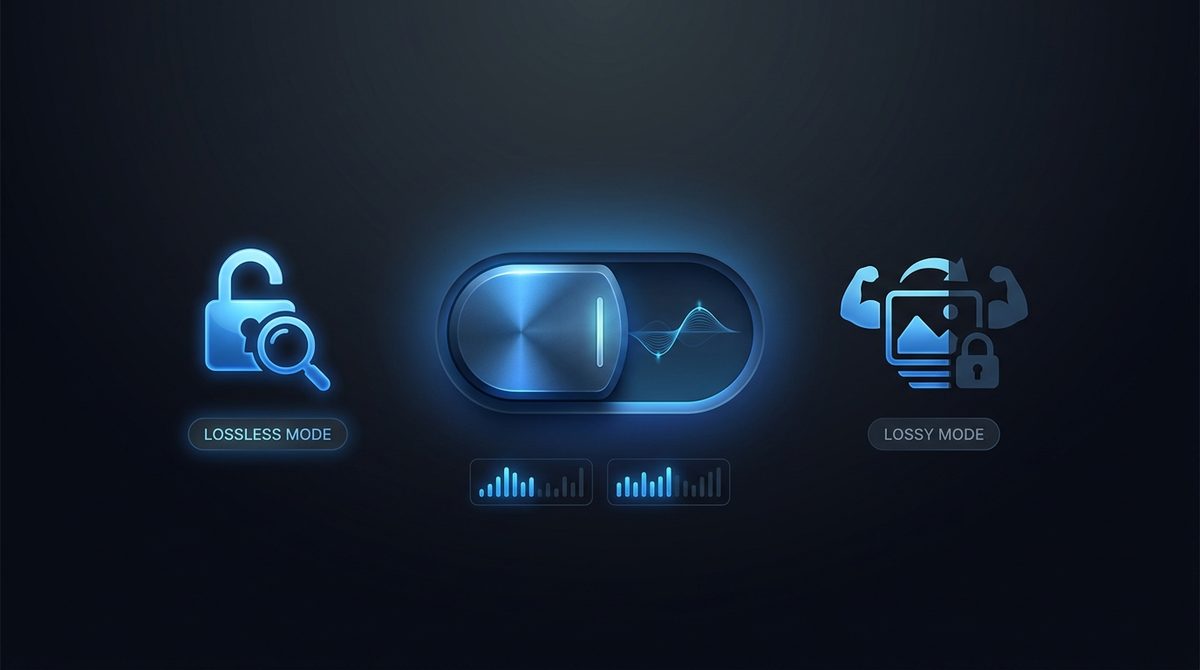
Lossless Or Lossy - Your Choice
WebP is unusually flexible: it offers a lossless mode that, like PNG, preserves every pixel exactly, plus a lossy mode for even smaller files. That means you can convert a PNG to WebP and still keep pixel-perfect quality when you need it, or accept a tiny, invisible compromise for maximum savings when you don't. Few formats let you choose; WebP does, which makes it a smart upgrade path from PNG.
PNG vs WebP at a Glance
Here is how PNG and WebP stack up side by side so you know exactly what changes when you convert.
| Property | PNG | WebP |
|---|---|---|
| Compression type | Lossless only (DEFLATE) | Lossless or lossy (your choice) |
| Transparency / alpha | Yes, full 8-bit alpha channel | Yes, full 8-bit alpha channel |
| Animation | No, single frame only (APNG is a separate extension) | Yes, supports animated sequences |
| Typical file size | Large, especially for photos | Smaller; lossy can be far lighter, lossless about 26% smaller |
| Best for | Logos, icons, sharp UI graphics, screenshots | Web graphics, transparent assets, fast-loading pages |
| Software / browser support | Universal, every browser and editor | All modern browsers; some older editors need a plugin |
Need the other direction? WebP to PNG converter →
How to Convert PNG to WebP
Upload your PNG
Drop in any .png file, including transparent graphics - Up to 15 MB.
WebP is pre-selected
Output is set to WebP and your transparency is preserved automatically.
Download your WebP
Get a tiny, transparent, web-ready file instantly - free, with a small Face-swapper.org mark.
Working with images? You might also like our Background Remover and background removal guide tools. New to image formats? Our AI image editing glossary explains lossy vs lossless, DPI and more.