
PNG to JPG Converter
Heavy PNG slowing you down? Convert it to JPG to slash the file size for photos, sail past email and upload limits, and get a file every app accepts.
Click or drag your PNG file here
Up to 15 MB
Converting your PNG to JPG…
Why Convert PNG to JPG?
Much Smaller Files
Photo-tuned JPG compression shrinks heavy PNG photos dramatically.
Works Everywhere
JPG is supported by every device, app and platform without exception.
Easy To Upload & Email
Smaller files breeze past size limits and attachment caps.
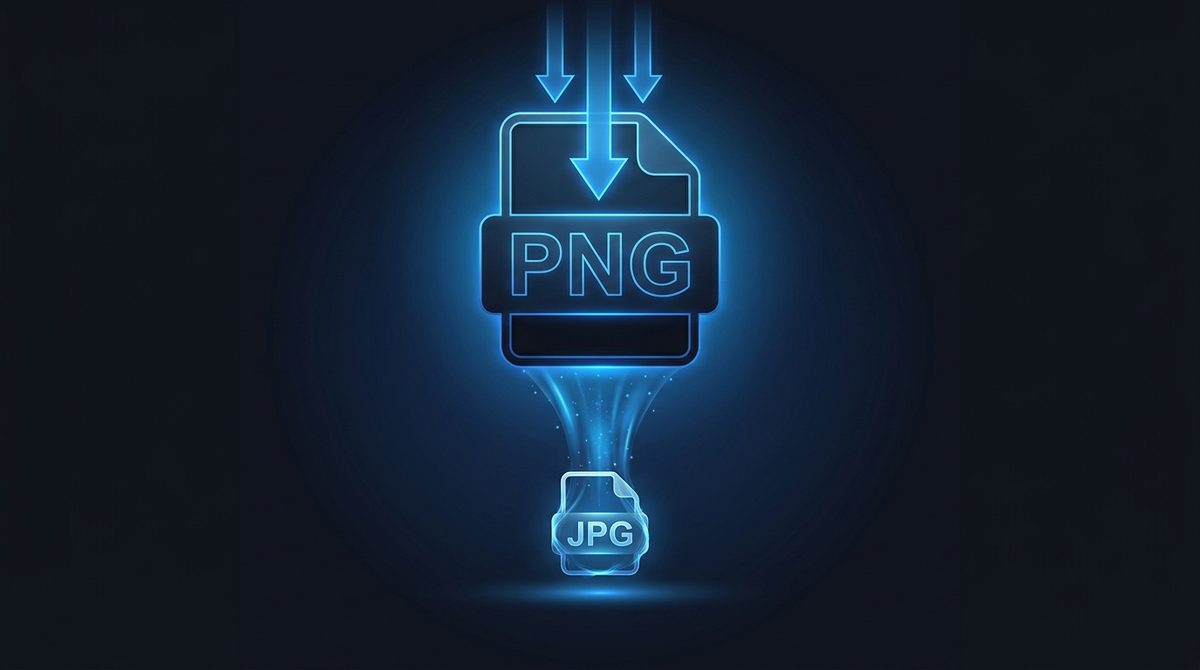
Dramatically Shrink Heavy Photo Files
PNG stores every pixel losslessly, which is wonderful for graphics but brutal for photographs - A single PNG photo can be many times larger than it needs to be. Converting that photo to JPG applies smart, photo-tuned compression that cuts the file size dramatically while keeping the picture looking great. If a PNG is too big to email, too slow to upload, or eating your storage, switching it to JPG is the fastest fix.
Get Past Size Limits And Upload Caps
Plenty of forms, job portals, email clients and older websites cap how large an image can be - And a hefty PNG photo blows right past those limits. JPG's efficient compression usually brings the same image well under the cap, so the upload finally goes through. When a site rejects your PNG for being 'too large,' converting to JPG is almost always the answer that gets you unblocked.
Universal Compatibility, Flattened Background
JPG is the most widely supported image format on Earth - Every device, app, printer and platform reads it without complaint. One thing to know: JPG can't store transparency, so any transparent areas in your PNG are flattened onto a solid background during conversion. For photographs that's exactly what you want; for logos that need to stay transparent, keep them as PNG or convert to WebP instead.
PNG vs JPG at a Glance
A side-by-side look at how PNG and JPG differ on compression, transparency, and ideal use cases.
| Property | PNG | JPG |
|---|---|---|
| Compression | Lossless (DEFLATE) | Lossy (DCT) |
| Transparency / alpha | Yes (full alpha channel) | No (transparency flattened to a solid background) |
| Animation | No (single frame; APNG is a separate variant) | No |
| Color depth | Up to 16-bit/channel (truecolor + alpha) | 8-bit/channel (24-bit truecolor) |
| Typical file size | Large for photos | Much smaller for photos |
| Best for | Logos, screenshots, line art, transparent graphics | Photographs, web images, email attachments |
Need the other direction? JPG to PNG converter →
How to Convert PNG to JPG
Upload your PNG
Drag in or select any .png file - Up to 15 MB.
JPG is pre-selected
Output is set to JPG. Transparent areas will be flattened to a solid background.
Download your JPG
Get a compact, universally compatible file in seconds - free, with a small Face-swapper.org mark.
Working with images? You might also like our Image Upscaler and PNG to WebP tools. New to image formats? Our AI image editing glossary explains lossy vs lossless, DPI and more.